Agent vs Agentless Security: Key Differences in Scanning
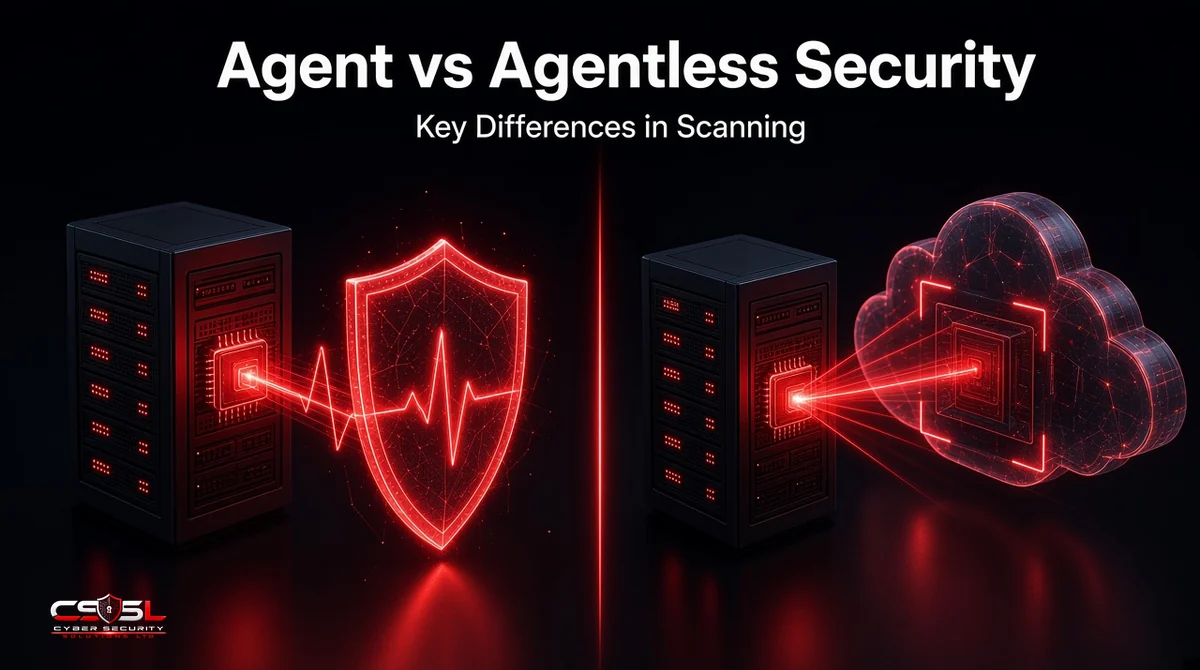
Agent vs agentless security is usually framed as heavy-but-deep versus light-but-shallow. That framing misses the real difference. An agent reads a running system and can stop an attack in progress. An agentless scanner reads cloud APIs, disk snapshots or network responses on a schedule, and can only report. Choose by how fresh your data must be.
Agent vs Agentless Security: The Quick Answer
Agent-based security installs a small program on each device that collects data continuously and can block threats locally. Agentless security uses cloud provider APIs, disk snapshots or network credentials to inspect systems without installing anything. Agents give depth, live telemetry and response. Agentless gives fast, broad coverage with no software to maintain on the host.
| Factor | Agent-based | Agentless |
|---|---|---|
| Visibility | Processes, memory, files, user activity | Installed packages, configuration, exposure |
| Data freshness | Near real time | Scheduled scan cycle |
| Response | Can block, isolate or kill a process | Reports only |
| Deployment | Install on every host | Connect cloud accounts or credentials |
| Performance impact | Small, ongoing CPU and memory use | None on the host itself |
| Best for | Endpoints, long-lived servers, regulated systems | Cloud inventory, VMs at scale, unmanaged assets |
Most comparisons stop at that table and conclude “use both.” That advice is right but unhelpful, because it never says which assets get which method. The rest of this guide answers that question by looking at what each scan method returns in practice.
How Agent-Based and Agentless Scanning Work
Both methods end in the same place, a list of software and settings checked against known vulnerabilities. They differ in how they collect that list.
How Agent-Based Scanning Works
The agent runs on the host with local privileges. It inventories installed packages, watches file and process changes, and sends results to a management console. Endpoint detection and response (EDR) agents go further, recording process behavior so they can spot and stop an attack while it runs. Amazon Inspector, for example, can collect software inventory through the AWS Systems Manager (SSM) agent already present on many EC2 instances.
How Agentless Scanning Works: Cloud APIs and Snapshot Scanning
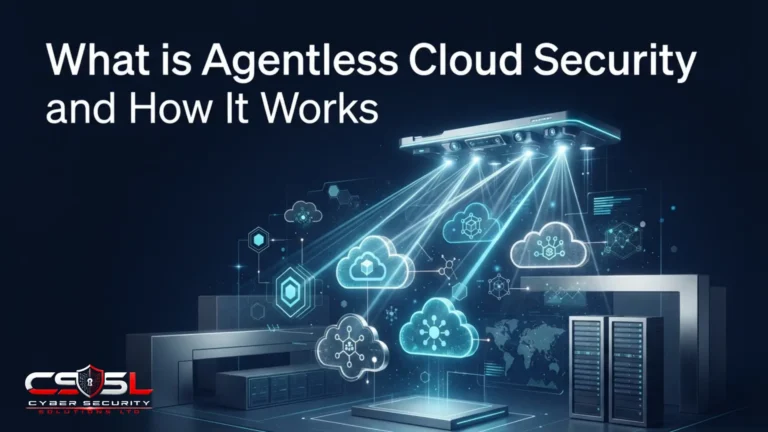
In the cloud, the scanner first reads the provider’s APIs to discover every VM, container registry, storage bucket and identity. It then takes a snapshot of each VM’s disks and analyzes the copy out of band. Microsoft’s Defender for Cloud documentation says it snapshots the root and data disks, extracts the metadata, and deletes the copied snapshot, which is typically kept only “a few minutes.” The running VM is never touched.
Network-Based and Credentialed Agentless Scans
On-premises, agentless usually means network scanning. An unauthenticated scan probes open ports and service banners from the outside. A credentialed scan logs in over SSH (Secure Shell) for Linux or WMI (Windows Management Instrumentation) for Windows and reads the installed software list directly. Credentialed scans find far more, but they need stored administrator credentials and a network path to every host.
Agentless Scanning vs Agent-Based Scanning: Where the Results Differ
The biggest difference between the two scanning methods is not coverage. It is the age of the data and what the scanner is allowed to see. Vendor pages tend to skip these points, so here is what the cloud providers’ own documentation says.
Freshness: Daily Snapshots vs Continuous Telemetry
Amazon Inspector’s documentation states that in hybrid mode it runs agentless scans on eligible EC2 instances every 24 hours, checks for newly eligible instances every hour, and runs network reachability scans every 12 hours. So a package installed at 9 a.m. may not appear in agentless results until the next day’s cycle. An agent reports the same change within minutes. For a stable fleet of VMs, a 24-hour cycle is usually fine. For an internet-facing server during an active exploitation campaign, a day is a long time.
What Agentless Scanning Cannot See
A disk snapshot shows what is installed, not what is running. It cannot see malware that lives only in memory, a malicious process spawned by a legitimate application, or a user running commands at 2 a.m. It cannot block anything. It can also miss assets entirely: Amazon Inspector’s agentless method only covers instances with fewer than 8 attached volumes and a combined size of 1,200 GB or less, and a container that lives for 20 minutes will often be gone before the next snapshot.
Auto-Scaling Groups and Short-Lived Instances
Auto-scaling breaks the old idea of a scan schedule. When traffic spikes, a group can launch twenty new instances from the same image and terminate them an hour later. An agent baked into that image reports from each instance as soon as it boots. An agentless scanner that discovers new instances hourly and snapshots daily may scan some of them and miss others, depending on timing.
The fix is to scan the source rather than the copies. Scan the machine image or container image in the build pipeline, block deployment when it carries a flaw listed in CISA’s Known Exploited Vulnerabilities (KEV) catalog, and let agentless scanning act as the safety net for anything that slips past. For auto-scaled fleets, the image is the asset that matters.
Accuracy: Why the Same VM Can Return Different Findings
Teams that run both methods are often surprised when the two reports disagree. That is expected. Amazon Inspector’s documentation warns that the same instance may have different findings depending on whether it was scanned with the agent-based or agentless method, because the agentless method scans all available file paths for application language packages, while the agent reads what the package manager reports. The snapshot can find a vulnerable library copied into an unusual folder; the agent can see software installed in the hours since the last snapshot.
Treat disagreement as a signal, not an error. A finding that appears only in agentless results often points to a forgotten copy of a library inside an application folder. A finding that appears only in agent results usually means something changed since the last snapshot. Reconcile the two lists by asset ID before you report numbers to leadership, or the same CVE (Common Vulnerabilities and Exposures) entry will be counted twice.
Detection Scope: Vulnerabilities Are Not Threats
Most agentless products started as vulnerability and configuration scanners, and that is still their core. Some now add malware scanning of snapshots, but it is often a separate, higher tier. Microsoft’s documentation, for example, states that agentless malware scanning “is only available in Defender for Servers Plan 2.” Before you assume an agentless tool protects a workload, check exactly which detections are included in the plan you pay for, and whether alerts arrive within minutes or after the next scan cycle.
Permissions and Blast Radius of Agentless Tools
Agentless does not mean access-free. The scanner needs read rights to every disk in every account. Defender for Cloud uses a built-in “VM scanner operator” role with read-only disk permissions, and extra key vault rights if you encrypt disks with customer-managed keys. Credentialed network scans need privileged passwords or keys stored in the scanner. Treat that scanner as a high-value identity: scope its roles to read-only, log its use, and review its permissions every quarter.
The practical decision rule: if an asset needs detection or blocking within minutes, it needs an agent. If it only needs a reliable daily inventory of flaws, agentless will do the job with far less effort.
Agent vs Agentless Monitoring and Endpoint Security
The same trade-off appears outside cloud scanning, in IT monitoring and on laptops.
Agent vs Agentless Monitoring
Agentless monitoring polls devices over SNMP (Simple Network Management Protocol), WMI or SSH to collect uptime, CPU and disk metrics. It suits switches, printers and appliances that cannot run an agent. Agent-based monitoring captures richer, more frequent data from servers, such as per-process resource use and application logs, and keeps collecting when a polling server cannot reach the host.
Agentless Endpoint Security: What It Can and Cannot Do
Agentless tools can inventory laptops and find missing patches when those laptops are on the network. They cannot stop ransomware on a laptop at a coffee shop. That matters for compliance. Cyber Essentials (requirements v3.3, April 2026) requires that “a malware protection mechanism is active on all devices in scope,” which means anti-malware software or application allow listing running on the device itself. In the US, CISA’s Binding Operational Directive 23-01 (October 2022) requires federal agencies to run automated asset discovery every 7 days and vulnerability enumeration every 14 days, explicitly including roaming laptops. Agents are the practical way to reach devices that rarely touch the office network.
Agent vs Agentless Security by Asset Type: A Hybrid Checklist
The useful hybrid split is agentless for breadth and agents for depth, decided asset by asset rather than tool by tool.
| Asset type | Recommended method | Why |
|---|---|---|
| Laptops and desktops | Agent (EDR) | Off-network, needs blocking, compliance requires local protection |
| Long-lived production VMs | Agent plus agentless | Runtime detection plus a second, independent inventory |
| Large VM fleets, dev and test | Agentless | Daily coverage with no rollout effort |
| Containers and Kubernetes | Image scanning plus runtime sensor | Workloads are too short-lived for snapshots |
| Serverless functions | Agentless (API and code scanning) | No host to install an agent on |
| Network gear, operational technology (OT) and Internet of Things (IoT) devices | Agentless network scanning | Cannot run third-party software |
Picture a common situation (an illustrative example): a 60-person firm acquires a smaller company with an unknown AWS account. Connecting that account to an agentless scanner gives a full inventory and vulnerability list within a day, long before anyone could roll out agents. Once the critical systems are identified, those few servers get agents.
Before buying, run through this checklist:
- Count assets by type, including laptops that rarely connect to the office.
- Note which systems need detection and response within minutes, not a daily report.
- List workloads that cannot run agents, such as serverless, appliances and legacy OS versions.
- Check what your compliance scheme requires on the device itself.
- Confirm the read-only permissions and credentials an agentless tool will need.
In most SMB environments we review, the gap is not the choice of method but coverage: agents on half the laptops, and cloud accounts nobody connected to a scanner.
Make Your Next Scan Report Tell You Something New
Agent vs agentless security stops being a debate once you sort assets by how fresh their data must be. As a next step, connect every cloud account to the agentless scanner your provider already offers, then compare its asset list against your EDR console; every machine on the first list but missing from the second needs a decision this month. Cyber Security Solutions Ltd offers a free, no-obligation cyber security assessment that maps this coverage for you, available through our contact page.
FAQs
Neither is better overall. Agentless security is better for fast, broad coverage of cloud accounts and devices that cannot run software. Agent-based security is better for real-time detection, blocking attacks and protecting laptops that leave the office. Most organizations use agentless scanning for inventory and agents on endpoints and critical servers.
Mostly no. Agentless scanners analyze disk snapshots or API data on a schedule, often every 24 hours, so they find vulnerable software and risky settings rather than live attacks. They cannot see in-memory malware or stop a running process. Real-time detection needs an agent, a runtime sensor or cloud logs fed into a monitoring platform.
A modern, well-tuned agent uses a small share of CPU and memory, and most users never notice it. Problems usually come from running several overlapping agents, scheduling full scans during work hours, or skipping a pilot. Test on a small group first, measure resource use, and remove legacy agents the new one replaces.
Usually not. Network-based agentless scans only reach devices that are online and reachable when the scan runs, so a laptop at home or on hotel Wi-Fi is missed. Cloud API scanning does cover cloud workloads anywhere. For remote laptops, an installed agent that reports over the internet is the reliable option.
Yes. Agentless cloud security covers cloud VMs, storage and configuration, but it does not protect laptops, block ransomware or record attacker behavior on a host. EDR fills that gap. Schemes such as Cyber Essentials also require active malware protection on every in-scope device, which agentless scanning alone cannot provide.
Agentless scanners check container images in registries and read serverless function code and dependencies through cloud APIs, so flaws are caught before or at deployment. Because containers can live for minutes, snapshot scanning alone misses running ones. Pair registry and pipeline scanning with a lightweight runtime sensor for Kubernetes clusters that handle sensitive data.