Cloud Managed Firewall: How It Works and When to Use One
Security groups and network ACLs stop a lot of unwanted traffic in the cloud, but they are not a full firewall. When you need centralized policies, deeper inspection and cloud-delivered updates, a managed firewall in the cloud becomes the practical next layer. Here is what it is, how it works and when it earns its place.
What Is a Cloud Managed Firewall?
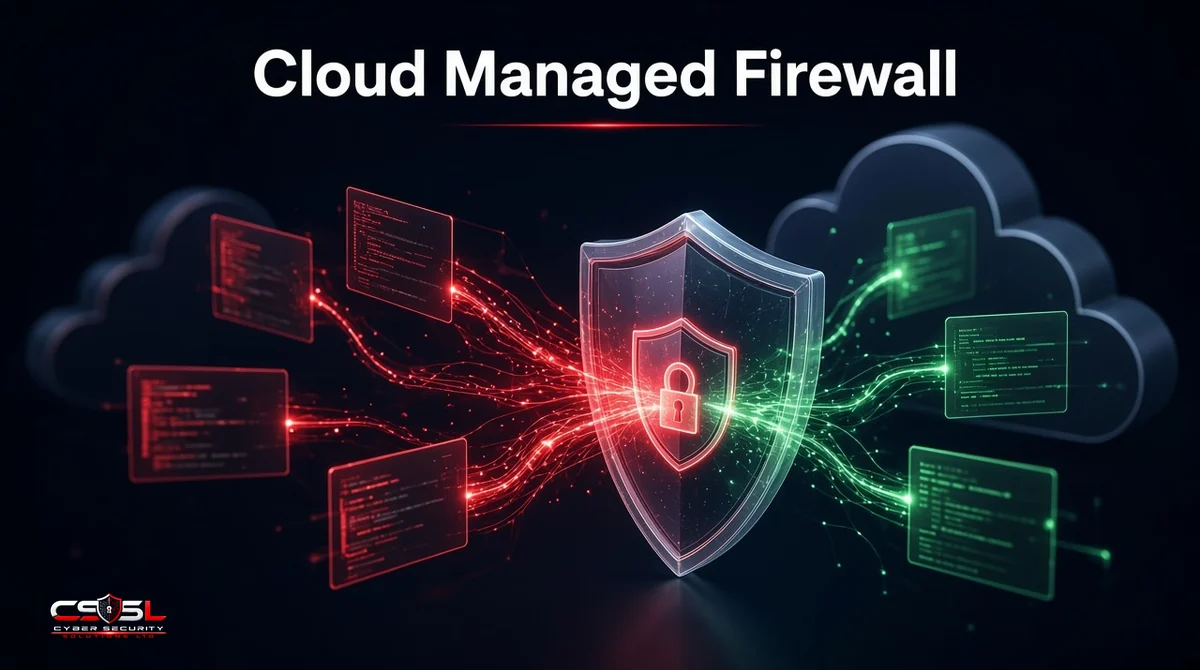
A cloud managed firewall is a firewall whose policies, signature updates and logs are controlled from a cloud console rather than from a local appliance alone. It can protect cloud workloads, virtual networks and, in some products, branch offices, with rules pushed from one place to every enforced point.
Cloud-Based Firewall vs Firewall in the Cloud
“Cloud-based” usually means the inspection service itself runs in the provider’s cloud and traffic is steered to it. “Firewall in the cloud” can also mean a virtual firewall appliance you run inside your own VPC or VNet. Both count as managed when the console and updates live in the cloud.
Cloud Managed Firewall vs Traditional On-Premise Firewall
A traditional firewall is a box you rack, patch and back up yourself. A managed firewall shifts policy distribution, threat updates and often health monitoring to the vendor’s cloud, while you still define the rules and own the architecture.
How the Managed Firewall Works
Central Console, Policies and Automatic Updates
Admins write allow and deny rules, application controls and IPS policies in a web console. The service distributes them to enforcement points and applies threat intelligence updates without a technician visiting each site or subscription.
Inspecting North-South and East-West Traffic
North-south traffic moves between your environment and the internet. East-west traffic moves between workloads inside the cloud. Managed cloud firewalls handle north-south well; east-west coverage depends on how you insert the firewall into subnets, hubs or service chains.
Logging, Alerts and Threat Intelligence
Allowed and blocked flows stream to the console or your SIEM. Alerts fire on policy hits and known bad indicators. Many products subscribe to vendor threat feeds so new malicious IPs and domains are blocked automatically.
Types of Managed Cloud Firewalls
Public Cloud Firewalls (AWS Network Firewall, Azure Firewall, Google Cloud NGFW)
These are native services inside each public cloud. They integrate with that cloud’s networking model and IAM. Policies stay close to the workloads they protect.
Private Cloud and Virtual Firewall Appliances
Virtual NGFW images from security vendors run in your subscriptions. The vendor’s cloud console still manages them, which suits hybrid estates that want the same policy engine on-premises and in the cloud.
Cloud-Managed Branch Firewalls (Meraki, FortiGate, Sophos)
Hardware or SD-WAN firewalls at offices are managed from the same cloud dashboard. Useful when branches and cloud workloads must follow one rule set.
Where Firewall as a Service Fits
Firewall as a service (FWaaS) delivers inspection from a vendor’s global points of presence, often as part of SASE. It is related but not identical to a cloud managed firewall that sits inside your cloud account. For FWaaS software, policy and provider choices, see the dedicated Firewall as a Service guide.
Managed vs Self-Managed Cloud Firewalls
What the Provider Handles vs What You Still Own
The provider typically handles platform availability, signature updates and console access. You still own rule design, change control, identity integration, logging destinations and proving compliance. “Managed” never means “set and forget.”
When a Managed Security Provider Makes Sense
If your team lacks 24/7 coverage, a managed security provider can operate the console, tune rules and respond to alerts on your behalf. Keep ownership of architecture decisions and break-glass access.
Cloud Firewall vs Security Groups: Do You Need Both?
Yes in most architectures. Security groups (and equivalents) provide simple, stateful allow rules close to each workload. A managed firewall adds centralized policy, deeper inspection, URL filtering and consistent logging. Use security groups for micro-perimeter defaults and the firewall for shared inspection and internet edge controls.
Benefits and Limitations
Benefits: one console, faster updates, better visibility, easier multi-site policy, less patch labour on appliances.
Limitations: traffic charges and inspection costs can surprise you, TLS inspection needs careful certificate handling, east-west designs can be complex and misconfigured rules still cause outages.
How to Choose One
Coverage Across Clouds and Branches
List every place traffic must be inspected: single cloud, multi-cloud, data center and branches. Prefer platforms that cover that whole map, or accept two tools with a clear split.
Inspection Depth (IPS, TLS, URL Filtering)
Decide whether you need intrusion prevention, TLS decryption, DNS security and URL filtering, or only Layer 3/4 controls. Deeper inspection costs more CPU and often more money.
Pricing Model and Data Processing Costs
Ask how pricing works: per hour, per GB processed, per rule or bundled. Factor data processing and logging export costs, not only the firewall SKU. Get a quote for your traffic profile; published list prices are often incomplete.
Setup Checklist
- [ ] Document north-south and east-west paths that need inspection
- [ ] Choose native cloud firewall, virtual appliance or branch-managed model
- [ ] Define default-deny policies and change control
- [ ] Enable IPS and URL filtering where justified
- [ ] Send logs to SIEM and test alert routes
- [ ] Review rules after 30 days for shadow allows
- [ ] Schedule quarterly policy reviews
US and UK Guidance (NIST SP 800-41, CIS, NCSC, Cyber Essentials)
NIST SP 800-41 covers firewall policy and management principles that still apply in the cloud. CIS Benchmarks for each cloud include network control checks. The UK NCSC cloud security principles expect effective network controls and monitoring, and Cyber Essentials expects boundary firewalls or equivalent cloud controls to be configured and maintained.
Making Managed Cloud Firewalls Work
A managed cloud firewall pays off when policies are few, owned and reviewed. Start with internet egress and critical hubs, prove logging works, then expand to east-west where risk justifies the complexity. For help designing cloud firewall architecture, contact Cyber Security Solutions Ltd through our contact page.
FAQs
Often yes. FWaaS usually inspects traffic in a vendor's cloud points of presence and is frequently sold with SASE. A cloud firewall often runs as a native service or virtual appliance inside your own cloud network. Both can be cloud-managed from a console; the traffic path and packaging differ.
Use both. Security groups are the right first control at each workload. Add a managed cloud firewall when you need centralized policy, intrusion prevention, URL filtering or consistent inspection for traffic that security groups cannot see deeply enough on their own.
Costs vary by traffic volume, inspection features, regions and logging. Native cloud firewalls often charge for processing time and data processed. Virtual appliances add license plus compute. Ask vendors for an estimate using your throughput and TLS inspection plans rather than relying on headline figures.
Several vendors offer cloud-managed firewalls and security appliances, including options from Cisco Meraki, Fortinet, Sophos and the major public clouds' own firewall services. Compare management console fit, inspection features and how well each covers your branches and cloud accounts. Listing order here is not a ranking.
Only if you design the network so east-west flows pass through it, for example via a hub VPC, routing tables or service insertion. Many default setups inspect internet edges only. Confirm east-west requirements before you buy, because enabling it later can mean re-architecting subnets and routes.
No. A network firewall controls connections and many exploits at the network and transport layers, sometimes with limited application awareness. A web application firewall focuses on HTTP application attacks such as injection against web apps and APIs. Most estates need both for public applications.