Container Security Best Practices: Protecting Docker and Kubernetes
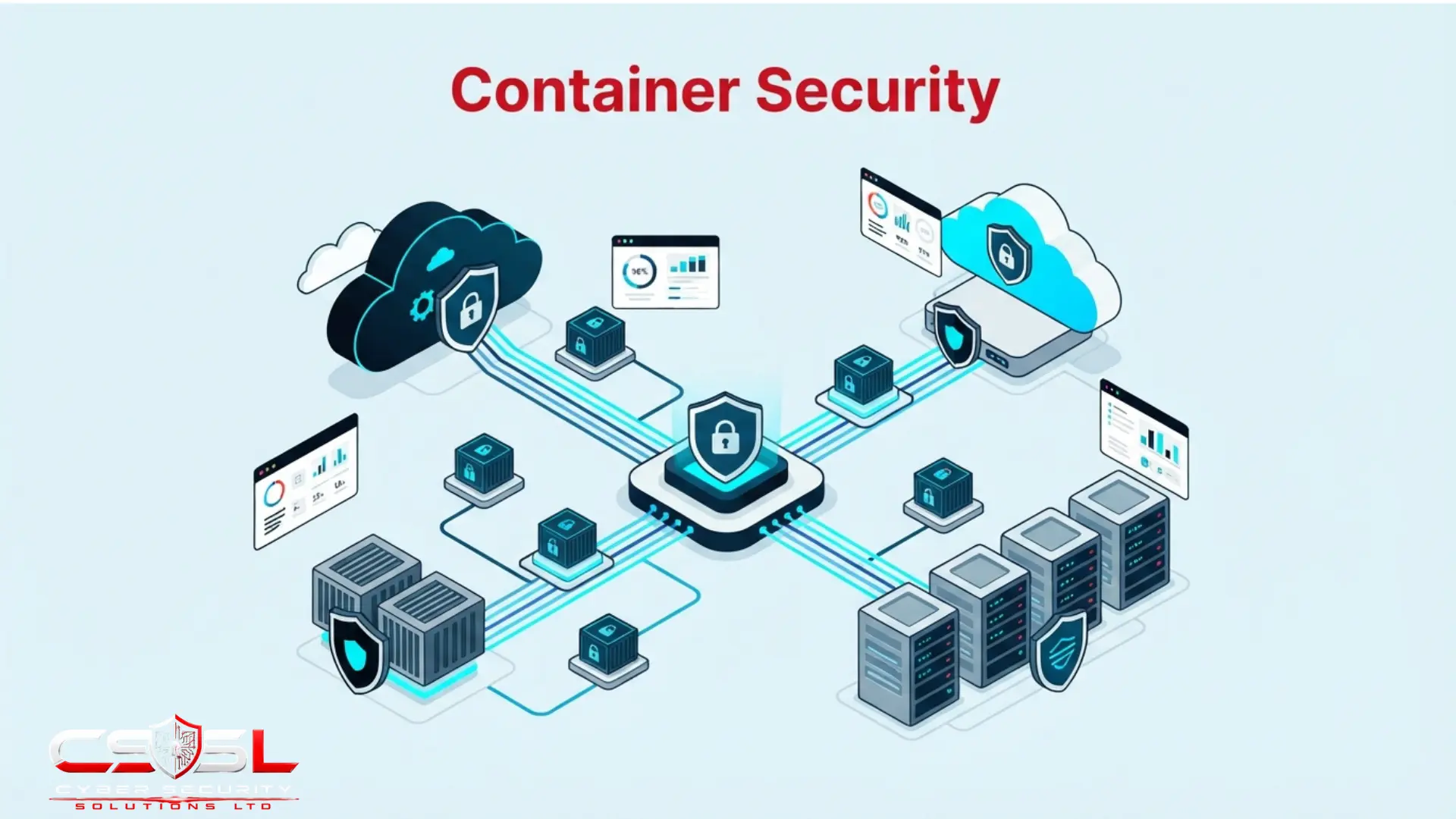
Container security best practices only work if you treat Docker and Kubernetes as two separate jobs. If your team scanned every container image clean and still got compromised through the Kubernetes API instead, that gap is exactly what happens when you secure the container and forget the cluster running it.
Why Do Docker and Kubernetes Need Genuinely Different Security Approaches?
Docker security protects an individual container and its image: what is packed inside it, who built it, whether it is structurally sound. Kubernetes security protects an entirely separate orchestration control plane, the API server, etcd and RBAC, that decides which container runs where and who can reach it.
| Layer | What It Protects | Key Risks | Primary Controls | Related Post |
| Docker / container image | The individual container and its contents | Vulnerable packages, root access, leaked secrets | Minimal images, non-root user, scanning | CWPP Guide |
| Kubernetes control plane | The cluster orchestrating every container | Open API server, unencrypted etcd, RBAC excess | Network Policies, RBAC review, admission control | This guide |
Think of it like a shipping port. Docker security is securing one shipping container: what is packed inside, who sealed it, whether the walls are sound. Kubernetes security is securing the entire port around it, the cranes, the routing system, the records that decide which container goes where and who is authorized to open which one.
This distinction gets lost constantly. Container security gets used as one blended term covering both, leading teams to assume that scanning their images means their environment is secure. It does not. A clean image scan tells you nothing about whether any pod in your cluster can reach any other pod, or whether your deployment pipeline’s identity holds far more Kubernetes permission than it needs.
Nothing about a hardened Dockerfile touches the API server, etcd or the scheduler. Those live one layer up, in the control plane, and need their own deliberate security work, covered starting below.
What Are the Essential Docker Container Security Best Practices?
Seven practices cover most of what a Docker image needs.
- Use minimal, official base images rather than large, general-purpose images, since every added package is more attack surface
- Never run containers as root; specify a non-root USER explicitly in the Dockerfile
- Use multi-stage builds so build tools and intermediate artefacts never ship in the production image
- Never embed secrets or API keys in image layers, even temporarily, since layer history stays extractable
- Use a .dockerignore file to keep sensitive local files out of the build context entirely
- Pin specific image versions or digests instead of the latest tag, for reproducible builds
- Rebuild images regularly even without code changes, since new vulnerabilities get disclosed against clean base images constantly
How Does Container Vulnerability Scanning Work in Practice?
Container vulnerability scanning works in two stages. Build-time scanning catches issues before an image is ever pushed, integrated directly into CI/CD. Registry scanning assesses images already stored and available for deployment.
Most content treats scanning as a single step: run a scanner, get a report. That flattens a useful distinction. Build-time scanning is the shift-left form. It catches a vulnerable dependency before the image ever reaches a registry, let alone production. Registry scanning catches something different, a vulnerability disclosed after an image was already built and pushed, since new CVEs get published constantly against packages that have not themselves changed.
Effective tools also work layer by layer. Knowing an image has a vulnerability somewhere is far less useful than knowing exactly which layer, the base image or a specific dependency, actually introduced it. That specificity lets a developer fix the right thing instead of rebuilding blind.
Scanning increasingly also produces a Software Bill of Materials, a structured inventory of every component inside an image, becoming both a security best practice and, in regulated sectors, an emerging compliance requirement. Common dedicated tools include Trivy, Grype, Docker Scout and Snyk Container, alongside the CNAPP-integrated scanning already covered in our CWPP guide.
What Makes Kubernetes Security a Distinct Discipline From Container Security?
Kubernetes introduces components with no equivalent inside a single container: the API server, etcd, the scheduler and the kubelet running on every node. By default, any pod can reach any other pod, and every pod gets a service account token mounted automatically.
etcd deserves particular attention. It stores the entire cluster’s state. If Kubernetes Secrets are not also protected through etcd encryption at rest, a compromised etcd instance exposes every secret in the cluster at once, not just one. That makes it one of the single highest-value targets anywhere in a Kubernetes environment.
Default-allow pod networking is the second overlooked risk. In most clusters, by default, any pod can talk to any other pod, regardless of namespace or intended function. The network itself provides essentially no segmentation unless someone configures otherwise.
The third is quieter still. Kubernetes mounts a service account token into every pod by default, whether that pod needs to talk to the API or not. A compromised pod inherits that token automatically, handing an attacker a starting credential for the cluster’s own control plane. Most teams have no idea this default exists until it turns into a lateral movement path during an incident, not before one.
What Are the Most Critical Kubernetes Security Controls to Implement?
Six controls do most of the heavy lifting in a Kubernetes cluster.
- Network Policies: explicitly define which pods can communicate with which others, replacing default-allow; one of the highest-impact changes available and frequently left unconfigured
- Pod Security Admission: the current, supported mechanism restricting privileged containers, host namespace access and dangerous capabilities
- Secrets management done properly: native Secrets are base64-encoded, not encrypted, by default; enable etcd encryption and consider HashiCorp Vault for genuinely sensitive credentials
- Admission controllers like OPA Gatekeeper or Kyverno, rejecting non-compliant pod specifications before they ever get scheduled
- API server hardening: restrict network access, disable anonymous authentication, enable full audit logging
- Disable automatic service account token mounting for pods that genuinely have no need to talk to the API
How Does Kubernetes RBAC Differ From Cloud IAM?
Cloud IAM governs access to cloud provider resources. Kubernetes RBAC is a separate system entirely, governing what identities can do to objects inside the cluster. The two do not align or inherit from each other.
| Criteria | Cloud IAM | Kubernetes RBAC |
| What it governs | Cloud provider resources | Objects inside the cluster |
| Scope | AWS, Azure, GCP accounts | A single cluster |
| Related tooling | AWS IAM, Entra ID, Google Cloud IAM | ClusterRoles, Roles, Bindings |
| Review process | Cloud IAM audit | Separate RBAC audit |
| Related post | Cloud IAM Guide | This guide |
This creates a common, dangerous blind spot. An identity can hold very limited cloud IAM permissions while simultaneously holding excessive Kubernetes RBAC permissions inside the cluster, or the reverse. Reviewing one system tells you nothing reliable about the other.
A frequent misconfiguration grants cluster-wide permissions through a ClusterRoleBinding when a namespace-scoped RoleBinding would have sufficed. It mirrors the least-privilege discipline already covered in our cloud IAM guide, but needs separate, deliberate application inside this distinct permission system.
Here is where the real risk compounds. A container image with a known, exploitable vulnerability, combined with excessive RBAC permissions on that pod’s service account, combined with no network policy restricting what it can reach, together form a genuinely critical attack path. None of those three factors alone would get flagged as urgent. This exact compounding pattern is what Cyber Security Solutions Ltd looks for first in a cluster security review, since each finding in isolation tends to sit quietly in a medium-priority queue.
What Is Container Escape, and How Do You Prevent It?
Container escape happens when a process running inside a container breaks out of its isolation boundary and reaches the underlying host system, or other containers sharing that same host.
This risk is structurally different from a virtual machine equivalent. VMs get isolated by a hypervisor providing strong separation between guest and host. Containers share the host operating system’s kernel directly, so a sufficiently severe escape can compromise not just the host but potentially every other container running on it at the same time.
Common causes include running containers in privileged mode, mounting the host’s Docker socket into a container, unnecessarily sharing host namespaces, and exploiting kernel vulnerabilities the shared kernel model exposes. Prevention means avoiding privileged mode unless justified, never mounting the Docker socket without deliberate need, using read-only root filesystems where possible, dropping unnecessary Linux capabilities, and layering the runtime protection already covered in our CWPP guide to catch anomalous behaviour during an escape attempt.
How Does Container Security Fit Into the Broader Cloud-Native Security Architecture?
Container security maps onto the Cloud, Cluster, Container and Code layers of the widely referenced 4 Cs model. This post covers the Cluster and Container layers in practical depth. The full model gets its own dedicated treatment elsewhere in this series.
Shift-left scanning integrated into CI/CD pipelines extends protection into the Code layer, covered fully in our code to cloud guide. Container-specific findings, image vulnerabilities, RBAC excess, runtime anomalies, all feed into the same CNAPP attack path correlation covered in our CNAPP guide, combining with CSPM and CIEM findings to reveal complete, compound risk rather than isolated alerts.
How Do You Implement Docker and Kubernetes Security Step by Step?
Implementing Docker and Kubernetes security starts with minimal base images and non-root users, then CI/CD vulnerability scanning, etcd encryption and API server restriction, Network Policies replacing default-allow, Pod Security Admission, separate RBAC review from cloud IAM, an admission controller, and runtime protection for escape detection.
- Establish minimal, official base images and enforce non-root users across every Dockerfile in use.
- Integrate image vulnerability scanning into the CI/CD pipeline, catching issues before images reach the registry.
- Enable etcd encryption at rest and restrict network access to the Kubernetes API server.
- Implement Network Policies to replace default-allow pod networking with explicit, intentional rules.
- Deploy Pod Security Admission standards to restrict privileged containers and unnecessary host access.
- Review and govern Kubernetes RBAC as a separate, deliberate exercise alongside cloud IAM review, not instead of it.
- Deploy an admission controller, OPA Gatekeeper or Kyverno, to enforce policy at the point of deployment.
- Layer runtime protection to detect container escape attempts and anomalous in-cluster behaviour.
Conclusion
Container security best practices only hold up when Docker and Kubernetes both get treated as their own job. Harden your images all you want. If default-allow networking, an unencrypted etcd or an over-permissioned service account sit unaddressed, the cluster itself stays wide open. Review both layers separately, not as one checklist. To see how your cluster’s RBAC, network policies and control plane configuration actually compare to your image hardening, visit cybersecuritysolutionsltd.com for a free container and Kubernetes security review from Cyber Security Solutions Ltd.
FAQs
No. Default Docker configurations often run containers as root, use large general-purpose base images, and can accidentally include secrets in the final image. Genuine Docker security requires deliberate hardening: non-root users, minimal base images, multi-stage builds and regular rebuilding as new vulnerabilities surface.
Yes. Kubernetes introduces its own control plane, the API server, etcd, RBAC and networking, with an entirely separate attack surface from anything running inside your containers. Scanning your images clean says nothing about whether your cluster’s RBAC or API server are actually secured.
No. Native Kubernetes Secrets objects are only base64-encoded, which is easily reversible, not genuinely encrypted. Real protection requires explicitly enabling etcd encryption at rest, and for particularly sensitive credentials, considering an external secrets manager like HashiCorp Vault instead of relying on native Secrets alone.
A RoleBinding grants permissions within a single namespace. A ClusterRoleBinding grants permissions across the entire cluster. A frequent, dangerous misconfiguration grants a ClusterRoleBinding when a namespace-scoped RoleBinding would have been enough, handing far broader access than the task actually required.
Avoid privileged mode unless specifically justified, never mount the Docker socket into a container without deliberate need, use read-only root filesystems where possible, drop unnecessary Linux capabilities, and layer runtime protection to detect the anomalous behaviour that often accompanies an escape attempt.
No. Kubernetes mounts one automatically by default, giving every pod a starting credential for the API, even pods with no genuine need to interact with it. Disabling automatic mounting for pods that do not need API access removes a common, unnoticed lateral movement path.