Virus vs Worm: Key Differences Between the Two Malware Types
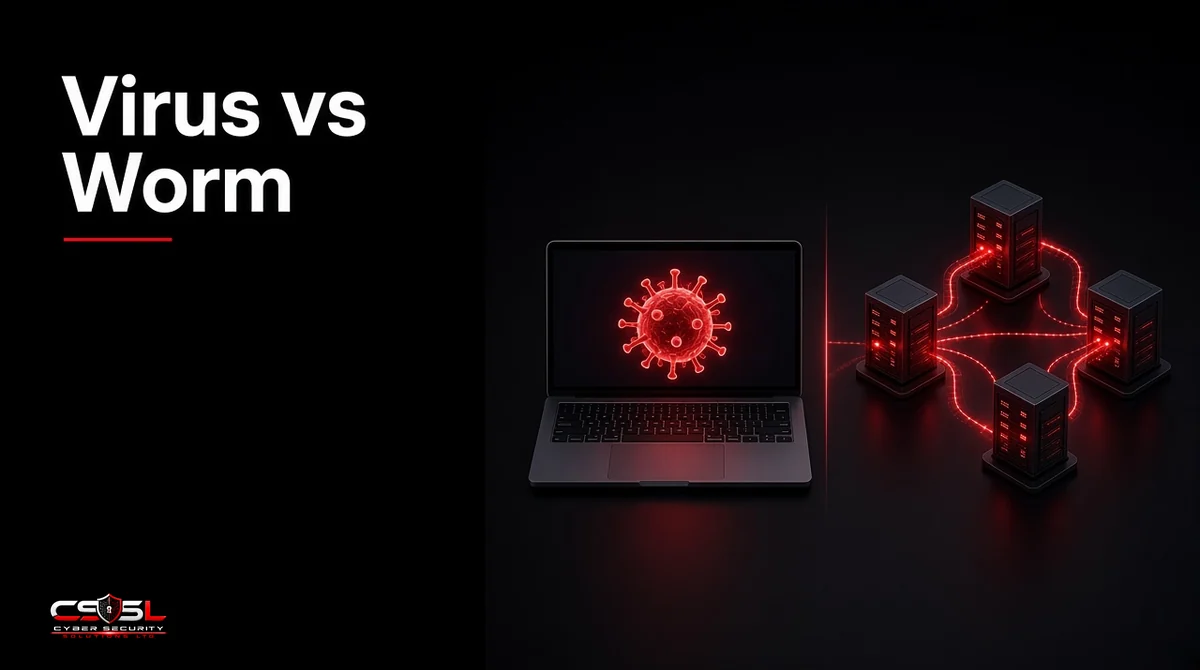
A virus attaches to a host file and spreads only when someone runs that file, while a worm is standalone malware that copies itself across networks on its own, usually by exploiting unpatched flaws. That single difference decides the damage: a virus tends to hurt one machine, while a worm can reach every server overnight.
Virus vs Worm: Comparison Table
| Attribute | Virus | Worm |
|---|---|---|
| Host | Needs a host file, document or boot sector | Standalone program |
| Trigger | A user opens or runs the infected item | None; it runs and spreads by itself |
| Spread | Shared files, email attachments, USB drives | Network services, unpatched flaws, weak credentials |
| Speed | Slow, tied to human behavior | Fast, often minutes to hours across a network |
| Main damage | Corrupted or altered files on infected systems | Bandwidth use, mass infection, payload delivery at scale |
| Classic example | Macro viruses in Office documents | Morris Worm, WannaCry, Conficker |
How Viruses Spread and Where They Hide
A virus waits. It sits inside something a person already trusts and acts only when that item opens. That reliance on people is both its strength and its limit.
Infection Routes
Viruses travel inside email attachments, shared drive files, pirated software and USB sticks. The moment a user opens the carrier, the virus code runs, infects other files and may deliver a payload such as file corruption or a backdoor.
Common Types of Viruses
- File infectors attach to executable programs and run whenever the program starts.
- Macro viruses hide in document macros and run when a user enables content.
- Boot sector viruses infect the startup area of a disk and load before the operating system.
- Polymorphic viruses change their code on each infection to dodge signature-based antivirus.
How Worms Move Without Help
A worm needs no click. Once it lands on one machine, it scans for other reachable systems and tries to break in using known vulnerabilities, default passwords or exposed services. Email worms send copies of themselves to contact lists; network worms hit file-sharing and remote-access services; USB worms copy themselves onto removable drives.
Is a Worm a Type of Virus?
No. People often say “worm virus,” but security teams treat them as separate malware types. Both are malicious and both replicate, yet a worm does not need a host file or a user action. That independence is why worms cause outbreaks rather than isolated infections.
Where the Two Split: Host, Trigger, Speed and Damage
The table gives the summary. These four points explain why each one matters to a business.
Host File vs Standalone Program
Removing an infected file often removes a virus. A worm is its own program, so cleanup means finding every copy on every system it reached.
User Action vs Self-Propagation
User training cuts virus risk sharply because the attack needs a click. Training does little against a worm that enters through an unpatched server; patching and network controls matter far more.
Speed and Scale of Spread
A virus moves at the pace of people sharing files. A worm moves at network speed. The Morris Worm of 1988 slowed a large share of the early internet within about a day, which is why it is still taught as the first major worm outbreak.
Damage to Systems and Networks
Viruses usually corrupt or alter data on the machines they touch. Worms add network-level harm: heavy scanning traffic, mass infection and a delivery channel for other payloads, including ransomware.
Virus vs Worm Examples
Famous Viruses
Macro viruses spread widely in the late 1990s through shared Word documents, which pushed Microsoft to disable macros by default in later Office versions. Boot sector viruses spread through floppy disks in the same era and are the reason modern PCs check boot code before startup.
Famous Worms: Morris, ILOVEYOU, WannaCry and Conficker
ILOVEYOU (2000) arrived as an email attachment and mailed itself to every contact in the victim’s address book, a mix of user trigger and worm-style spread. Conficker (2008) exploited a Windows server flaw and weak passwords to infect millions of PCs. WannaCry (2017) paired ransomware with a worm component that used the EternalBlue exploit against unpatched Windows file sharing, which let it spread inside networks with no clicks at all. In the UK it disrupted parts of the NHS, a case the National Audit Office reviewed in its 2017 report on the attack.
Virus vs Worm vs Trojan: Where Trojans Fit
A Trojan disguises itself as legitimate software and relies on the user to install it. Unlike a virus, it does not infect other files, and unlike a worm, it does not spread by itself. Many modern attacks blend all three: a Trojan delivers the first foothold, worm-style code moves laterally, and the payload does the damage.
Which Is More Dangerous for Businesses?
For most organizations, worms are the bigger threat because one unpatched system can expose the whole network in hours. Picture a 40-person accounting firm with one unpatched file server. A user opening an infected spreadsheet harms one laptop and maybe a shared folder. A worm that reaches that server can scan every connected PC, encrypt files on each and stall work across the office before lunch. Viruses still matter for data integrity, but worm risk is a network design and patching problem, so the fixes sit with IT rather than with users alone.
How to Protect Your Business From Viruses and Worms
Patching and Vulnerability Management
Worms live on known flaws. Prioritize patches for internet-facing and file-sharing services, and track CISA’s Known Exploited Vulnerabilities catalog for issues attackers already use. UK Cyber Essentials expects critical and high-risk updates within 14 days of release.
Antivirus, EDR and Email Filtering
Antivirus and EDR (endpoint detection and response) catch known files and suspicious behavior such as mass scanning or rapid file changes. Email filtering strips risky attachments before users see them, which cuts virus delivery.
Network Segmentation and Firewalls
Segmenting the network limits how far a worm can travel. Block file-sharing and remote-access ports between segments that do not need them, and never expose SMB or RDP directly to the internet. The NCSC’s malware guidance makes the same point for UK organizations.
Your Virus and Worm Defense Checklist
The virus vs worm difference comes down to who pulls the trigger: a user for viruses, the network itself for worms. Use this short list as your next step:
- Patch exploited flaws first and confirm coverage weekly
- Keep EDR on every endpoint and server
- Filter attachments and disable macros by default
- Segment the network and close SMB and RDP to the internet
- Keep offline backups and test a restore
For a review of where your network would let a worm spread, contact Cyber Security Solutions Ltd through our contact page.
FAQs
Yes. Modern antivirus and EDR tools detect known worms by signature and spot unknown ones by behavior, such as rapid network scanning or mass file copying. Detection alone is not enough, though, because a worm exploiting an unpatched flaw can spread faster than alerts are reviewed, so patching still matters most.
Yes. A worm only needs a path to other systems. It can spread across an internal network with no internet connection, and USB worms move between offline machines on removable drives. Stuxnet is the best-known example: it reached isolated industrial systems through infected USB drives before spreading locally.
Ransomware is a payload type, not a spread method. Most ransomware arrives through phishing, stolen credentials or exposed remote access, then a human attacker deploys it. Some strains add worm code, as WannaCry did with EternalBlue, so ransomware can behave like a worm when it includes self-spreading features.
Malware is the umbrella term for any malicious software, including viruses, worms, Trojans, spyware and ransomware. A virus is just one category under that umbrella, alongside the others. Every virus is malware, but most malware seen today is not a virus at all.
A worm almost always spreads faster because it needs no human action. A virus moves only as quickly as people open and share infected files. A worm exploiting a common flaw can reach thousands of systems within hours, which is why outbreaks usually involve worm behavior.
Yes, though less often than Windows. Worms have targeted Linux servers and internet-connected devices through weak passwords and unpatched services, and Mac malware exists in growing volume. Keep every operating system patched and protected with endpoint security rather than assuming any platform is immune.