Best Endpoint Encryption Software for Businesses (2026)
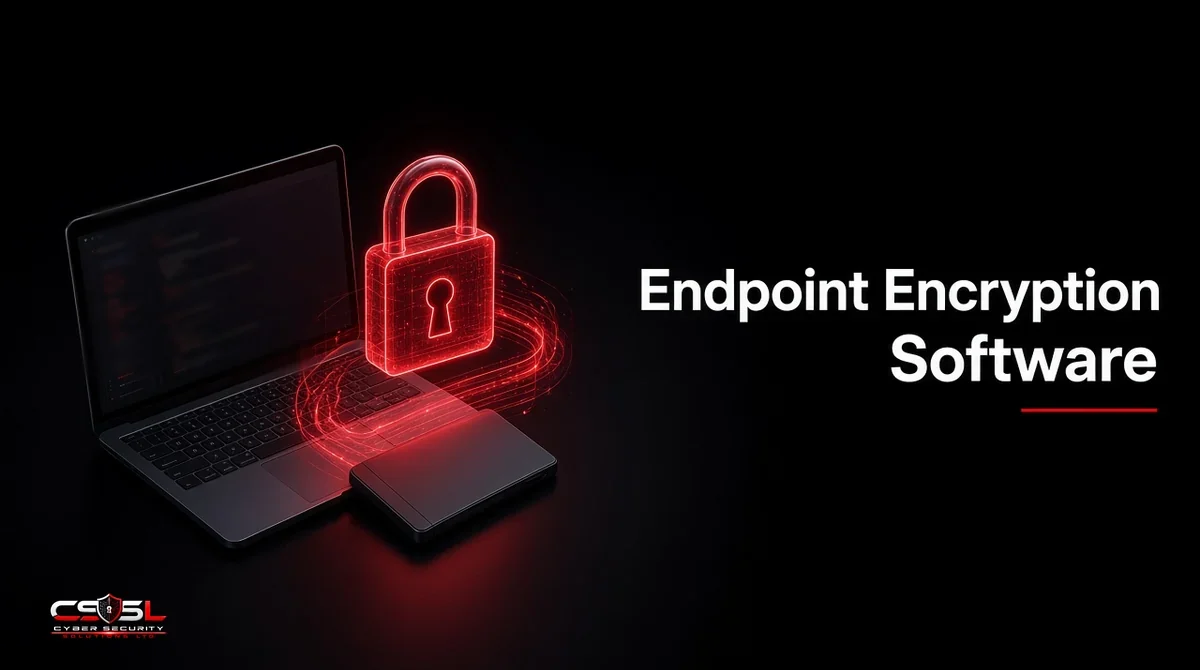
Endpoint encryption software protects data at rest on laptops, desktops and removable media so stored files stay unreadable without the right keys. Business tools add central recovery and compliance reporting that consumer vaults lack, which matters the moment a stolen laptop would otherwise become an open filing cabinet.
Endpoint Encryption Software Compared
The best endpoint encryption software for businesses in 2026 includes Microsoft BitLocker with Intune, Apple FileVault, Sophos Central Device Encryption, ESET Endpoint Encryption and Trellix Drive Encryption. Choose a tool that centrally manages recovery keys, proves compliance and covers every operating system your laptops and removable drives use.
| Tool | Encryption type | OS coverage | Central key management | Notes |
|---|---|---|---|---|
| Microsoft BitLocker (Intune) | Full disk | Windows | Yes via Intune/Entra | Native for Windows fleets |
| Apple FileVault (Jamf/Intune) | Full disk | macOS | Yes via MDM | Native for Mac fleets |
| Sophos Central Device Encryption | Full disk (manages BitLocker/FileVault) | Windows, macOS | Yes | Strong SMB console |
| ESET Endpoint Encryption | Full disk, file/folder, removable | Windows | Yes | Removable media focus |
| Trellix Drive Encryption | Full disk | Windows (enterprise) | Yes | Regulated estates |
| Check Point Harmony Endpoint FDE | Full disk with pre-boot | Windows | Yes | Pre-boot authentication |
| Trend Micro Endpoint Encryption | Full disk / folder options | Windows | Yes | Often bundled with protection |
| Symantec Endpoint Encryption (Broadcom) | Full disk | Windows | Yes | Existing Symantec estates |
| WinMagic SecureDoc | Full disk, SED support | Mixed OS | Yes | Self-encrypting drives |
| VeraCrypt | Full disk / container | Windows, macOS, Linux | Limited | Free; weak business key escrow |
Full Disk Encryption vs File and Folder Encryption
Full disk encryption (FDE) protects the whole volume, including temp files and hibernation data, once the drive is locked. File and folder encryption protects selected paths and can follow files to other locations, but it leaves gaps if users save outside those paths. Most businesses start with FDE on every laptop, then add file or removable-media controls where USB and shared folders create extra risk.
Removable Media Encryption
USB drives walk out of buildings every day. Removable media encryption forces encryption on approved sticks or blocks unapproved ones. Pair it with device control policy so encryption is not optional for staff who move large files.
Why Businesses Need Endpoint Encryption Software
Lost and stolen devices remain a top breach path. Encryption reduces the chance that stored personal data or secrets are readable offline. US HIPAA programs treat properly encrypted devices as a breach-notification safe harbor in many loss scenarios, and UK GDPR Article 32 expects appropriate technical measures such as encryption. Cyber Essentials and NCSC end-user device guidance also expect device protection that includes disk encryption on portable machines.
How We Chose These Tools
We included managed business products and the two major native OS engines that IT can control through MDM or UEM. Consumer vault apps are out of scope. Names were checked against current vendor branding; profiles stay descriptive and unranked. No list prices appear here because public quotes are incomplete and go stale quickly.
Tools in This Roundup
Microsoft BitLocker (With Intune)
BitLocker is built into supported Windows editions and is commonly managed with Intune or Configuration Manager so recovery keys escrow to Entra ID. It is the default path for Windows-heavy fleets that already use Microsoft endpoint management.
Apple FileVault (With Jamf or Intune)
FileVault encrypts macOS startup volumes. Jamf Pro or Intune can enforce FileVault and escrow personal recovery keys. Mac-first companies usually standardize here before buying a third-party FDE agent.
Sophos Central Device Encryption
Sophos manages BitLocker and FileVault from Sophos Central, which helps SMBs prove encryption status beside their Sophos endpoint agent. Useful when one console must show protection and encryption health together.
ESET Endpoint Encryption
ESET’s product covers full disk, file/folder and removable media encryption with a central console. Teams that need USB encryption without a heavy enterprise suite often evaluate it.
Trellix Drive Encryption
Trellix Drive Encryption (from the former McAfee enterprise line) targets large regulated Windows estates that need mature key management and policy controls.
Check Point Harmony Endpoint Full Disk Encryption
Check Point’s FDE option is known for pre-boot authentication integrated with its endpoint suite. It fits organizations already standardized on Check Point controls.
Trend Micro Endpoint Encryption
Trend Micro offers endpoint encryption that is often discussed alongside its broader endpoint protection portfolio. Confirm current packaging under Trend Vision One or related suites before you shortlist, because branding has shifted over time.
Symantec Endpoint Encryption (Broadcom)
Broadcom continues Symantec Endpoint Encryption for existing customers. It remains relevant where Symantec agents and processes are already embedded, less so as a greenfield default.
WinMagic SecureDoc
SecureDoc supports mixed OS fleets and self-encrypting drives (Opal). Organizations with hardware SED standards or heterogeneous laptops often keep it on the evaluation list.
VeraCrypt
VeraCrypt is a free, open-source option for full disk or container encryption. It lacks enterprise-grade key escrow and compliance reporting, so it is a poor primary choice for regulated business fleets even though enthusiasts like the cost.
Is BitLocker Good Enough for Business?
For many Windows-only firms, BitLocker managed through Intune with escrowed keys and compliance reporting is enough. It is not enough if you need strong cross-platform removable media encryption, non-Windows parity in one third-party console, or hardware-specific SED workflows BitLocker does not cover cleanly. The decision is about management and evidence, not about whether AES works.
Key Features to Look For
Central Key Management and Recovery
If a user leaves and the only recovery key lived in their wallet, you do not have business encryption. Demand directory-backed escrow, help-desk recovery workflows and audited key access.
Compliance Reporting and FIPS Validation
Auditors ask which devices are encrypted today. Exportable reports matter. Where contracts require validated cryptography, ask vendors about FIPS 140-3 module status rather than assuming marketing claims equal validation.
OS Coverage and Performance Impact
Pilot on the oldest laptops you still support. Modern CPUs accelerate AES, but first-generation encryption of large drives still needs a maintenance window and clear user communication.
Limits: Why It Doesn’t Replace DLP or EDR
Encryption protects data at rest on a powered-off or locked device. It does not stop a logged-in malware process from reading open files, nor does it stop a user from uploading data to a personal cloud. Keep DLP, identity controls and EDR in the stack. For how data-at-rest encryption works beyond endpoint tools, see the data at rest encryption guide on this site.
US and UK Compliance Requirements
US HIPAA programs, PCI DSS cardholder environments and many federal contracts expect encryption of portable devices and removable media that store sensitive data. NIST SP 800-111 remains a reference for storage encryption planning. In the UK, UK GDPR Article 32, ICO encryption guidance and NCSC end-user device guidance push organizations toward encrypted portable devices and sound key recovery. Cyber Essentials assessments commonly expect disk encryption on laptops.
Encrypt the Drive, Escrow the Keys
Endpoint encryption software only helps when every laptop is encrypted and every recovery key is escrowed before the device ships. Standardize on native BitLocker and FileVault where they fit, add a management or third-party layer where USB and mixed OS create gaps, and keep EDR watching the session after unlock. For help designing that standard, contact Cyber Security Solutions Ltd through our contact page.
FAQs
There is no universal winner. Windows fleets often standardize on BitLocker with Intune; Mac fleets on FileVault with Jamf or Intune; mixed estates may add Sophos, ESET, Trellix or WinMagic for console and media controls. Rank tools by key escrow and OS coverage, not by marketing badges.
AES-256 in a well-reviewed full disk implementation is the common business baseline today. Prefer OS-native or established enterprise products with central key recovery over obscure algorithms. Where contracts require validated crypto, confirm FIPS modules directly with the vendor in writing.
Modern hardware with AES acceleration usually keeps day-to-day impact low after the first encryption pass. Older disks and first-time encryption of large volumes can slow devices during rollout. Always pilot first, schedule initial encryption and tell users what to expect.
Any organization that issues portable devices with sensitive data: healthcare, finance, professional services, public sector and remote-first companies. Regulators and cyber insurers increasingly treat unencrypted laptop loss as avoidable. SMBs benefit as much as enterprises when keys are centrally managed.
No. Ransomware encrypts your files with the attacker's keys while you are logged in. Disk encryption does not block that behavior. You still need backups, EDR and least privilege. Encryption mainly protects data when the device is lost, stolen or decommissioned.
Technically capable, operationally weak for business fleets. Without reliable enterprise key escrow, compliance reporting and forced policy, VeraCrypt leaves help desks unable to recover drives and auditors without evidence. Keep it for lab or personal use, not as your corporate standard.