Endpoint Security Manager: Centralizing Device Protection
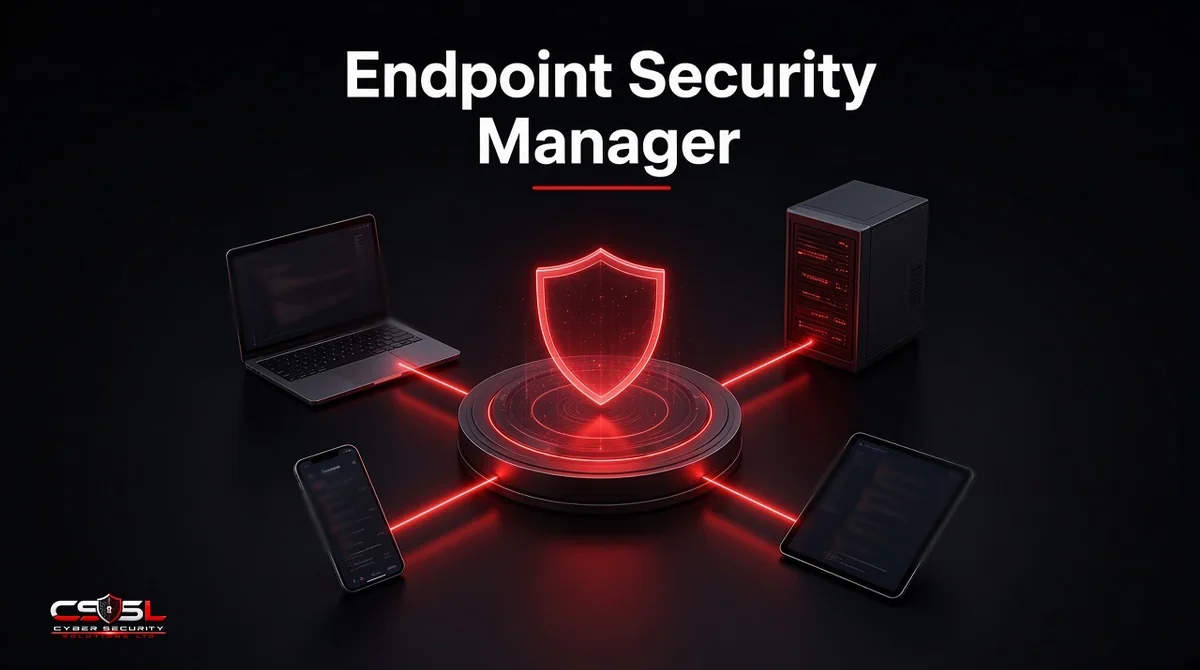
An endpoint security manager is a centralized console that discovers every device, applies antivirus, firewall, encryption and patch policies, monitors compliance and responds to threats from one place. It stops protection depending on who last changed a local setting on a laptop.
Manager vs Management: Two Phrases, One Job
People use the phrases interchangeably. “Endpoint security manager” often names the product or console. “Endpoint security management” names the ongoing practice of inventory, policy, monitoring and remediation across laptops, servers and mobile devices. You need both the tool and the operating rhythm so device-by-device settings do not drift into one-off exceptions that never expire.
Why Centralize With an Endpoint Security Manager?
Local admin rights and one-off exceptions create drift. Centralizing endpoint security cuts that drift, shortens audit prep and gives responders a single place to isolate a host. It also makes Cyber Essentials-style malware protection and secure configuration easier to prove because the same policy set is visible fleet-wide.
How an Endpoint Security Manager Works
Step 1: Discover and Inventory Every Device
Import directory and cloud identity sources, then enroll or discover devices so unmanaged machines show up as gaps rather than surprises.
Step 2: Deploy Agents and Assign Policies
Push the security agent and map device groups to baselines for antivirus, firewall, disk encryption and attack-surface rules.
Step 3: Monitor Compliance and Alerts
Watch which devices fall out of policy, which miss patches and which raise malware or EDR alerts that need human review.
Step 4: Patch, Remediate and Report
Trigger updates, quarantine or reimage workflows, then export compliance evidence for internal and external audits.
Core Features of the Console
Policy Management (Antivirus, Firewall, Encryption, Device Control)
Baselines should cover real-time protection, host firewall rules, full disk encryption, USB control and script or macro restrictions. Keep a small set of well-named policies rather than dozens of near-duplicates.
Patch and Vulnerability Management
Tie missing OS and third-party patches to risk. Prioritize actively exploited issues called out in CISA’s Known Exploited Vulnerabilities catalog when you schedule change windows.
Threat Detection and Automated Response
Where the console includes EDR, define safe automations such as isolating a host or killing a process, with clear rollback ownership.
Compliance Reporting and Role-Based Access
Auditors ask who changed what. RBAC, change logs and exportable compliance reports are as important as the blocking engines.
Common Endpoint Security Policies to Set First
- Enforce disk encryption with escrowed recovery keys.
- Require real-time antivirus or EDR with cloud reputation.
- Apply a default-deny or tightly scoped host firewall profile.
- Block unapproved USB storage where business allows it.
- Turn on attack-surface reduction or equivalent script controls.
- Set critical patch deadlines (UK Cyber Essentials expects rapid fixing of critical and high issues).
- Disable local admin for standard users where feasible.
- Require screen lock and idle timeouts on portable devices.
Endpoint Security Management vs Endpoint Management (UEM and MDM)
Unified endpoint management (UEM) and mobile device management (MDM) enroll devices, push apps and configure OS settings across the fleet. An endpoint security manager focuses on security controls: malware protection, encryption state, firewall policy and threat response. Many products overlap, and Microsoft Intune can do both through the Intune admin center (formerly branded Microsoft Endpoint Manager). Keep the distinction clear when you buy: management without detection still needs EDR, and EDR without enrollment still needs a way to reach every device. For UEM platform depth, see the separate unified endpoint management guide on this site.
Console Examples
Microsoft Intune Endpoint Security With Defender for Endpoint
Intune’s endpoint security blade sets antivirus, disk encryption, firewall and attack-surface policies and can hand off deep detection to Microsoft Defender for Endpoint. Microsoft no longer markets the old “Microsoft Endpoint Manager” name as the primary brand, but searchers still use it.
Ivanti Endpoint Manager and Tanium
Ivanti Endpoint Manager and Tanium emphasize large-scale visibility, patching and operational control. Security teams often pair them with a dedicated EDR when hunting depth is required.
Sophos Central, ESET PROTECT and Other Vendor Consoles
Vendor consoles such as Sophos Central, ESET PROTECT and CrowdStrike Falcon concentrate protection policy and alerts for that vendor’s agent. They work well when you standardize on one endpoint stack; they are weaker as a universal UEM for every OS setting.
Common Challenges (Policy Conflicts, Agent Sprawl, Remote Devices)
Conflicting GPOs and console policies fight each other. Multiple agents burn CPU and confuse responders. Remote and personal devices may enroll late or not at all. Fix ownership first: one team owns the security baseline, another owns OS provisioning, and both share an exception process with expiry dates.
Endpoint Security Management Best Practices
- Maintain a living inventory tied to identity, not spreadsheets
- Prefer fewer, clearer policies with ring-based rollout
- Escrow every encryption recovery key before enforcing encryption
- Measure coverage weekly: enrolled, healthy agent, compliant
- Expire temporary exceptions automatically
- Test remediation actions on a pilot group before fleet automation
How to Choose a Management Solution
List your OS mix, whether you need MDM/UEM features or security-only control, and which EDR or antivirus you already own. Require RBAC, API access, offline device behavior and clear reporting. Pilot on a mixed ring that includes VPN-only and home workers. If you already standardized on Intune or a UEM platform, evaluate whether its security blade is enough before adding another console.
Measuring Coverage and Compliance
Track enrollment coverage, agent health, policy compliance rate, median time to patch critical findings and mean time to isolate a confirmed malicious host. Tanium-style operational metrics matter less than whether leadership can see unmanaged devices shrinking month over month.
US and UK Guidance
US programs map well to NIST SP 800-53 configuration and system integrity families and to CISA’s emphasis on timely patching of known exploited flaws. UK organizations should align with NCSC device security guidance and Cyber Essentials controls for secure configuration, patching and malware protection. Centralized policy is how you show those controls consistently.
Centralize the Baseline, Then Prove It
An endpoint security manager earns its keep when every laptop tells the same story on encryption, malware protection and patch state. Start with inventory and the first eight policies above, then automate remediation only after the pilot ring stays clean. For help designing that baseline, contact Cyber Security Solutions Ltd through our contact page.
FAQs
It is the practice of controlling security settings on endpoints from a central console: agents, policies, compliance and response. It overlaps with UEM and MDM but focuses on protection outcomes rather than every app and Wi-Fi profile. Most midsize firms combine both disciplines in one or two tools.
No. Intune can deploy security baselines and manage BitLocker and firewall settings without Defender for Endpoint. Defender for Endpoint adds deeper EDR detection and response. Many tenants start with Intune policies and add Defender for Endpoint when hunting and automated investigation become priorities.
Typically the console flags the device, notifies operators and can trigger conditional access so the device loses access to email or apps until it returns to policy. Exact behavior depends on your identity platform and the rules you configured. Always define a break-glass path for executives and shared kiosks.
Yes, if you enroll on-premises, cloud and remote devices into the same inventory and policy model. Hybrid directories need clear device groups, VPN or internet-facing management channels and patience for machines that check in infrequently. Gaps usually come from shadow IT, not from hybrid architecture itself.
Usually yes. Management keeps devices configured and patched; security detects and responds to attacks on those devices. Some platforms blend both, but buying only a UEM or only an EDR leaves a blind spot. Map owners for enrollment and for threat response before you consolidate licenses.
Pilot policies in report-only or ring mode, escrow recovery keys, keep a local admin break-glass process and stage enforcement by department. Never enable disk encryption or USB blocking fleet-wide on a Friday afternoon without a tested recovery path already ready.