Secure SD-Branch: How to Protect Branch Office Networks
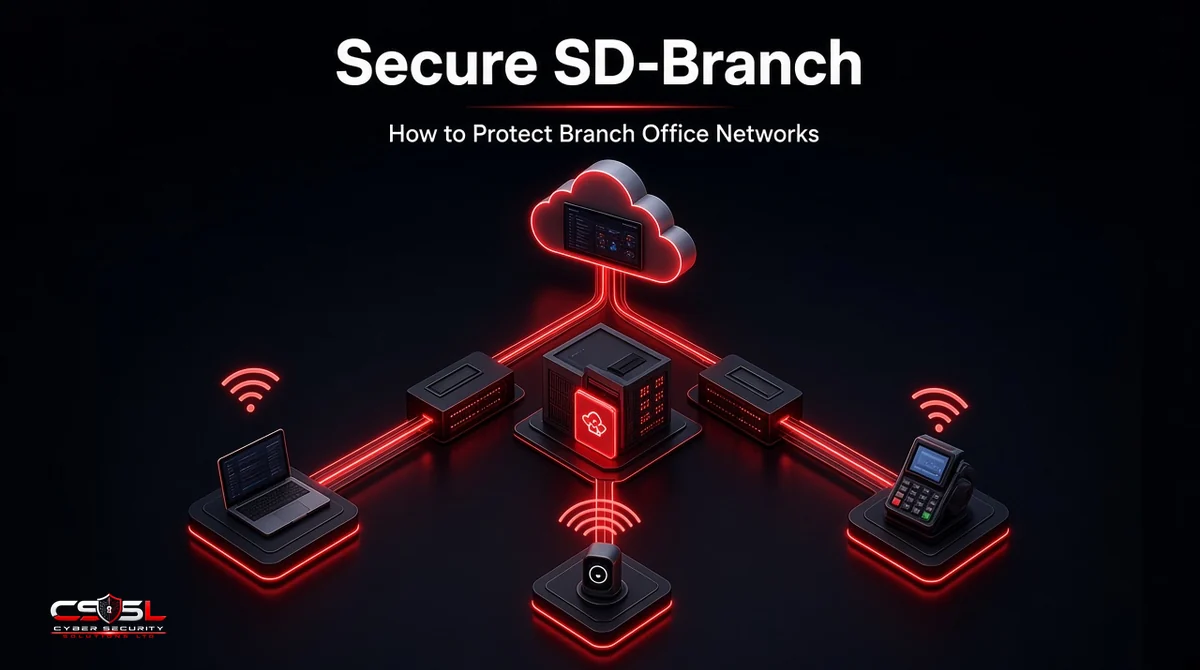
A retail chain opens its fortieth store. The new site needs a router, a firewall, switches, Wi-Fi, a guest network and card terminals, and there is no IT person on site. A secure SD-Branch design lets one central team set all of that up, lock it down and watch it from a single console.
What Is SD-Branch?
SD-Branch is a branch office architecture that combines SD-WAN, a next-generation firewall, LAN switching and Wi-Fi into one platform managed from a single cloud console. It lets IT teams apply the same security policies, segment devices and monitor every location without sending engineers on site.
What Makes an SD-Branch “Secure”?
A secure SD-Branch builds security into every layer rather than bolting it on. That means a firewall and intrusion prevention at the edge, segmentation that separates corporate, guest, IoT and payment traffic, network access control on every port and wireless network, and central logging. The goal is that every branch follows the same hardened template.
Why Branch Office Networks Are Hard to Secure
Branches combine many risks with few local resources:
- No on-site IT. Settings drift, and problems go unnoticed.
- Mixed devices. Staff laptops, guest phones, cameras, printers and point-of-sale terminals often share one flat network.
- Direct internet breakout. Sending traffic straight to the internet improves performance but moves the security edge to every branch.
- Inconsistent setup. Each site configured by hand ends up slightly different.
- Exposed edge devices. Firewalls and routers facing the internet are frequent targets. CISA and the UK NCSC have both warned that attackers actively exploit unpatched network edge devices.
How SD-Branch Works: Core Components
SD-WAN and Local Internet Breakout
SD-WAN steers traffic across broadband, fiber, LTE or 5G links based on application needs, and lets cloud traffic leave the branch directly instead of backhauling to headquarters. This is the one piece most organizations already know; it handles the WAN side of the branch.
Next-Generation Firewall and IPS
Because traffic breaks out locally, every branch needs its own inspection: application-aware firewall rules, intrusion prevention, web filtering and malware protection.
Switching, Wi-Fi and NAC
The LAN side brings switches and access points under the same management. Network access control identifies each device when it connects and places it in the right segment.
Cloud Management and Zero-Touch Provisioning
A cloud console holds templates for every site. New equipment ships straight to the branch, connects to the internet, downloads its configuration and comes online without an engineer.
SD-Branch vs SD-WAN vs SASE
| SD-WAN | SD-Branch | SASE | |
|---|---|---|---|
| What it covers | WAN links and routing | WAN plus firewall, switching, Wi-Fi and NAC at the branch | Networking and security delivered from the cloud |
| Where security runs | Basic or added on | On-site appliances at each branch | Cloud points of presence |
| Users protected | Branch traffic | Branch users and devices | Branch, remote and mobile users |
| Best fit | Link performance | Physical sites with many local devices | Distributed and remote workforces |
Many businesses mix the two: SD-Branch for local LAN control and device segmentation, and SASE for remote users and cloud-delivered security.
How to Protect Branch Office Networks With Secure SD-Branch (Step by Step)
Step 1: Inventory Branch Users, Devices and Apps
List who works at each branch, which devices connect (including cameras, sensors and payment terminals) and which applications they use. You cannot segment what you have not found.
Step 2: Segment Corporate, Guest, IoT and POS Traffic
Put corporate devices, guest Wi-Fi, IoT and point-of-sale systems in separate segments with rules between them. For retailers, isolating card systems also supports PCI DSS, where proper segmentation can reduce the scope of the cardholder data environment.
Step 3: Enforce NGFW, IPS and Web Filtering at the Edge
Apply the same firewall, intrusion prevention and filtering policies at every branch, and keep edge firmware patched. Disable management interfaces on the internet-facing side.
Step 4: Add NAC and Identity-Based Access
Require authentication for staff devices, use certificates or 802.1X where possible, and send unknown devices to a restricted segment until they are approved.
Step 5: Standardize Templates and Zero-Touch Rollout
Build one hardened template per branch type and deploy it through zero-touch provisioning. Changes go through the template, never by hand at a single site.
Step 6: Centralize Monitoring and Logging
Send firewall, NAC and Wi-Fi logs to a central SIEM or managed detection service, and set alerts for new devices, blocked threats and configuration changes.
Benefits of SD-Branch Security
- One policy set across every location
- Fewer devices to buy, rack and manage per site
- Faster openings through zero-touch provisioning
- Stronger segmentation of IoT and payment systems
- Central visibility without on-site staff
- Simpler evidence for audits such as PCI DSS and Cyber Essentials, whose controls include firewalls, secure configuration and user access control
Challenges and When SD-Branch Is Not the Right Fit
Single-vendor stacks can create lock-in, and the platform becomes a single point of failure if links or the cloud console go down, so plan redundant links and local failover. Very small offices with a handful of laptops may get more from cloud-delivered security and SASE than from on-site hardware. Fully remote teams with no physical sites do not need SD-Branch at all.
How to Choose an SD-Branch Solution
Look for:
- Firewall, SD-WAN, switching, Wi-Fi and NAC managed from one console
- Zero-touch provisioning and reusable templates
- Built-in segmentation and device identification for IoT
- Integration with your identity provider and SIEM
- A clear route to SASE for remote users
- A strong patching record for edge devices and clear support terms
Secure SD-Branch Checklist
Before you call any branch protected, confirm these:
- [ ] Every device at the branch is inventoried
- [ ] Corporate, guest, IoT and POS traffic sit in separate segments
- [ ] Firewall, IPS and web filtering run on a shared template
- [ ] Edge firmware is current and management is not exposed to the internet
- [ ] NAC places unknown devices in a restricted segment
- [ ] Logs reach a central monitoring service
A secure SD-Branch turns dozens of small, inconsistent networks into one managed estate. If you would like help designing or reviewing yours, speak to Cyber Security Solutions Ltd through our contact page.
FAQs
A secure SD-Branch is a branch network that unifies SD-WAN, a next-generation firewall, switching, Wi-Fi and network access control under one cloud console, with security built into each layer. It applies the same hardened policies, segmentation and monitoring at every site, even where no IT staff work locally.
SD-WAN manages the wide area links between sites and the internet, choosing the best path for each application. SD-Branch includes SD-WAN but extends to the whole branch: firewall, intrusion prevention, switches, Wi-Fi and device access control. SD-WAN connects the branch; SD-Branch runs and secures it.
SD-Branch secures physical sites with on-site appliances managed from the cloud. SASE delivers networking and security from cloud points of presence, so it protects remote and mobile users as well as branches. Many organizations combine them, using SD-Branch for local devices and segmentation and SASE for users outside the office.
Yes, for organizations with physical locations such as shops, clinics, banks and warehouses. These sites still have local devices, IoT and payment systems that need segmentation and access control on the LAN, which cloud-only security cannot fully handle. Fully remote businesses gain less from it.
It can. Segmenting point-of-sale systems from corporate, guest and IoT traffic helps isolate the cardholder data environment, which can reduce the scope of PCI DSS assessment when segmentation is properly designed and tested. Central firewall templates and logging also make it easier to show auditors consistent controls across stores.
A central IT or network team usually manages SD-Branch from the cloud console, using templates for every site. Smaller businesses often hand it to a managed service provider. Either way, someone must own patching, policy changes and log monitoring, because branch staff are rarely trained to handle network security.