AI Endpoint Security: How Machine Learning Stops Threats
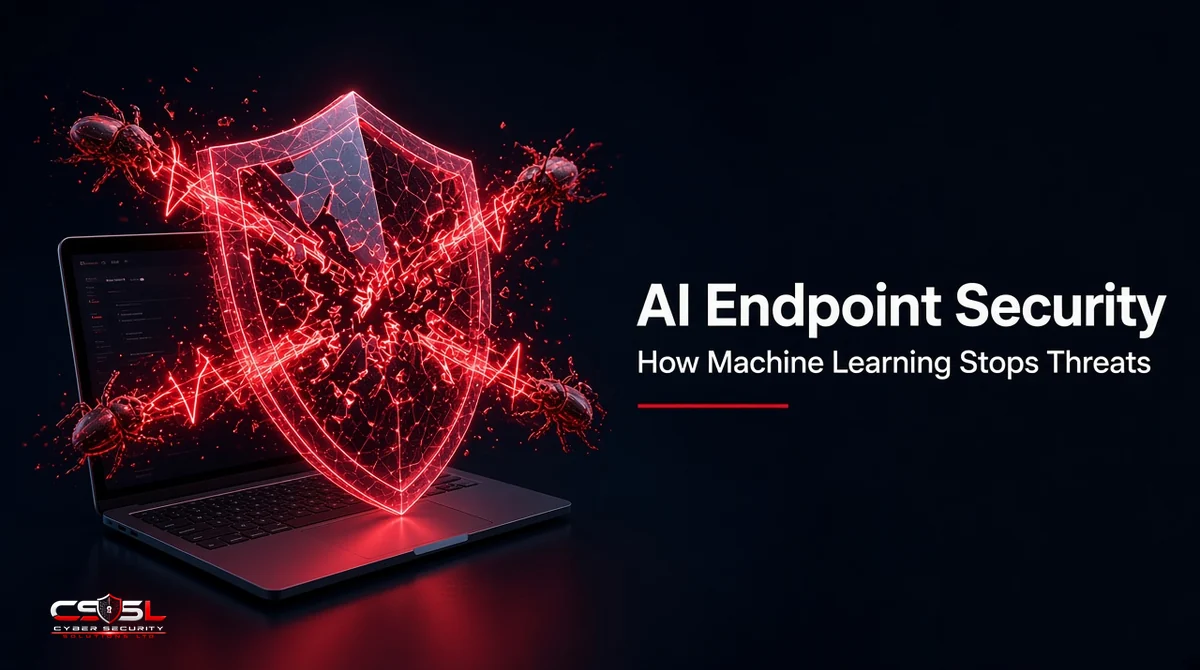
AI endpoint security uses machine learning models trained on large sets of malicious and benign files and behaviors to judge new activity on laptops, servers and phones. Instead of waiting for a known signature, it flags unusual behavior, such as mass file encryption, and can stop the process automatically.
Why Signature-Based Antivirus Falls Short
Signatures match known samples. Attackers defeat them by repacking or slightly changing code so each copy looks new, and by using “living off the land” techniques that abuse legitimate tools such as PowerShell instead of dropping files. Fileless attacks and stolen credentials leave little for a signature to match. Signatures still catch common malware cheaply, but they cannot be the only layer.
How Machine Learning Stops Threats on Endpoints
Pre-Execution: Static File Analysis
Before a file runs, a model examines its features, such as structure, imported functions, strings and packing, and scores how likely it is to be malicious. This works on never-seen files because the model learns traits, not exact matches.
Runtime: Behavioral Analysis
Once a process runs, models watch what it does: which processes it spawns, what files it touches, which registry keys it changes and where it connects. A chain like “Word opens PowerShell, which downloads a file and disables backups” scores high even if every tool involved is legitimate.
Anomaly Detection and UEBA
User and entity behavior analytics (UEBA) learns normal patterns for users and devices, then flags departures, such as an account logging in at 3 a.m. from a new country and accessing unusual file shares.
Automated Response and Rollback
When confidence is high, the agent can kill the process, isolate the device from the network and, on some platforms, roll back changes made by ransomware. Analysts then review what happened.
Types of Machine Learning Used in Endpoint Security
- Supervised learning: trained on labeled malicious and clean samples to classify files and behaviors.
- Unsupervised learning: finds clusters and outliers without labels, useful for anomaly detection.
- Deep learning: neural networks that handle complex patterns in raw file data or event sequences.
- Generative AI: large language models used mainly to condense alerts and answer analyst questions, not as the core detection engine.
Attack Walk-Through: How AI Stops a Ransomware Attack
- Phishing email: a user opens an attachment. Static analysis scores the attached macro document as suspicious and blocks or flags it.
- Execution: if it runs, behavioral models spot an Office app launching a script interpreter.
- Credential theft: an attempt to read memory from the Windows credential process triggers a detection.
- Lateral movement: anomaly detection notices the account connecting to many machines it never uses.
- Encryption: rapid file renames and rewrites match ransomware behavior; the agent kills the process, isolates the host and rolls back affected files where supported.
Each stage is a chance to stop the attack, so a miss at one point is not the end.
AI Endpoint Security vs Traditional Antivirus
| Traditional antivirus | AI-driven protection | |
|---|---|---|
| Detection basis | Known signatures | Learned traits and behavior |
| New or changed malware | Often missed | Often detected |
| Fileless attacks | Weak | Behavior-based detection |
| Updates | Frequent signature downloads | Model updates, less dependent on daily signatures |
| Response | Quarantine file | Kill process, isolate device, roll back |
| Main weakness | Unknown threats | False positives and evasion attempts |
Benefits of AI in Endpoint Security
- Detects new and changed threats without waiting for a signature
- Catches attacks that abuse legitimate tools
- Responds in seconds, before damage spreads
- Reduces analyst workload by grouping related alerts
- Works offline on the device for many detections
Limitations and Risks
False Positives and Alert Fatigue
Models sometimes flag legitimate admin scripts or niche software. Without tuning and exclusions, alerts pile up and real attacks get ignored.
Adversarial AI and Evasion
Attackers test their malware against security products and craft samples to avoid detection. MITRE ATLAS catalogs techniques for attacking machine learning systems, which shows this is a real, studied threat.
Model Drift and Data Privacy
Models lose accuracy as software and attacks change, so vendors must retrain them. Cloud-based analysis also sends telemetry off the device, so check where data is processed and how long it is kept, especially under UK GDPR.
Generative AI Assistants in Endpoint Security
Many platforms now include AI assistants that explain alerts in plain language, write investigation queries and summarize incidents. They speed up analysts but do not replace detection models, and their output should be checked. NIST’s AI Risk Management Framework and the NCSC’s guidelines for secure AI system development offer useful questions to ask vendors about these features.
Leading AI-Powered Endpoint Security Platforms
Most modern EDR and next-generation antivirus platforms use machine learning. Examples include CrowdStrike Falcon, Microsoft Defender for Endpoint and SentinelOne Singularity, alongside offerings from other established security vendors. Compare them on independent test results and fit with your environment rather than marketing claims.
How to Evaluate AI Endpoint Security Claims
- Ask what the models detect and at which stage: pre-execution, runtime or both
- Review independent results, such as MITRE ATT&CK Evaluations and AV-TEST or AV-Comparatives tests
- Ask for false-positive rates in environments like yours
- Run a proof of concept with real attack simulations
- Check offline protection, rollback support and data handling
- Confirm how often models are updated
Rethinking AI Endpoint Security
The real value of AI endpoint security is not that it is “smart”; it is that it stops judging files by their past and starts judging behavior in the moment. Treat it as one strong layer alongside patching, identity controls and human analysts, not as a replacement for them. For help choosing or tuning endpoint protection, contact Cyber Security Solutions Ltd through our contact page.
FAQs
AI models score files before they run by examining traits such as structure and code features, then watch running processes for suspicious behavior, such as script launches, credential access or mass encryption. Because they learn patterns rather than exact signatures, they can flag new or modified malware that traditional antivirus would miss.
No. AI handles high-volume detection and fast automated responses, but people are still needed to investigate complex incidents, judge business context, tune policies and handle false positives. Generative AI assistants help analysts work faster by summarizing alerts and writing queries, but their output still needs human review.
Yes. Most modern endpoint products include machine learning by default, including affordable options for small businesses. For teams without in-house security staff, pairing the tool with a managed detection and response service helps, because someone then reviews alerts and acts on them around the clock.
Probably not. Most current EDR platforms already use machine learning for detection, and many add AI assistants through updates. Check your vendor's documentation and settings first. Replacement makes sense only if independent tests or a proof of concept show clear gaps for your environment.
Sometimes. Attackers test malware against security products and modify it to slip past models, and research catalogs such as MITRE ATLAS describe these techniques. That is why good platforms combine several models, behavior monitoring and frequent updates, and why layered defenses such as patching and strong authentication still matter.
Many products run their core models on the device itself, so they can still block suspicious files and behavior without an internet connection. Cloud analysis, threat intelligence updates and some advanced checks need connectivity. Ask vendors which protections work offline, especially for laptops used while traveling.