Unified Endpoint Management (UEM): Platforms and Benefits
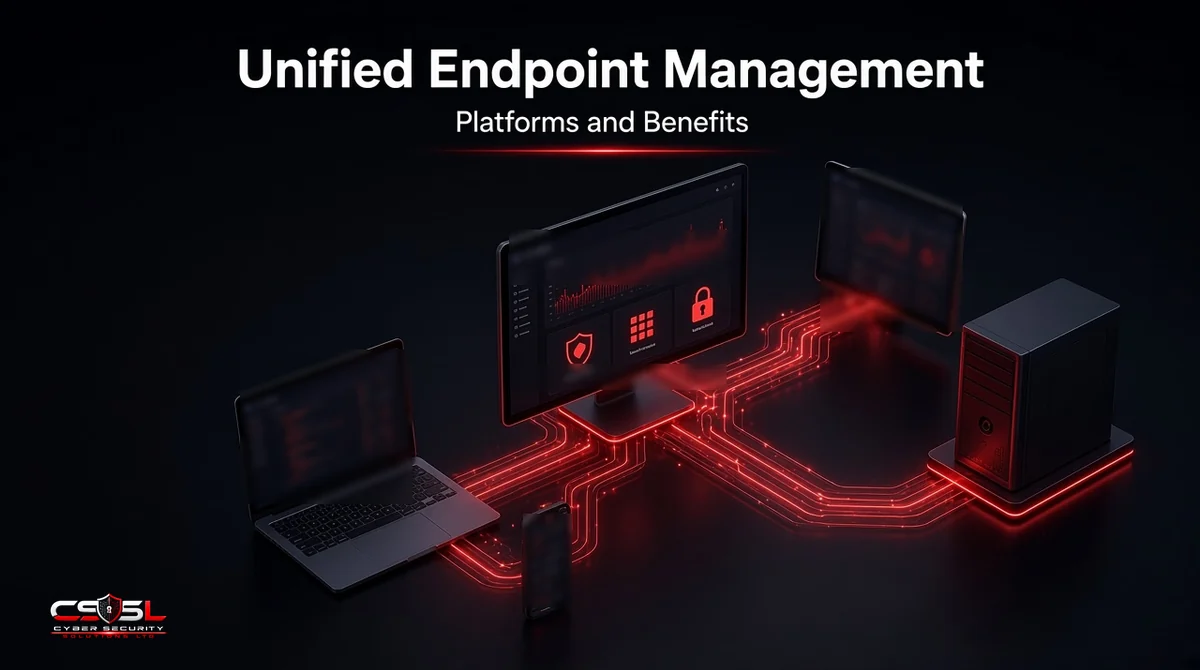
Windows laptops in one tool, iPhones in another, Android tablets in a third, and nobody sure which devices are patched. That split is how gaps open up. Unified endpoint management brings every device into one console, so IT can see, configure and secure the whole fleet the same way.
What Is Unified Endpoint Management (UEM)?
Unified endpoint management (UEM) is software that lets IT teams enroll, configure, patch and secure every endpoint from one console, including Windows and macOS laptops, iOS and Android phones, tablets, rugged devices and some IoT. It combines mobile device management, app management and traditional PC management in a single platform.
How UEM Works
Enrollment and Provisioning
Devices join the UEM platform through enrollment. Company-owned devices can enroll automatically through programs such as Apple Business Manager, Android zero-touch enrollment or Windows Autopilot, so a new laptop configures itself on first sign-in. Personal devices enroll through a user-driven process that applies only work controls.
Policy, Patching and App Deployment
Admins create profiles for settings such as encryption, passcodes, firewall, Wi-Fi and VPN, then assign them to groups. The platform schedules operating system and third-party app updates and pushes approved apps to each device.
Monitoring, Compliance and Remote Actions
The console shows each device’s status: OS version, encryption, patch level and compliance. Noncompliant devices can be flagged or blocked from company apps. If a device is lost, admins can lock it, locate it or wipe company data remotely.
MDM vs EMM vs UEM: How They Evolved
The three terms describe stages of the same idea:
- MDM (mobile device management): controls phones and tablets at the device level.
- EMM (enterprise mobility management): adds app and content management for mobile devices.
- UEM: extends those controls to laptops, desktops and other endpoints in one platform.
Most modern products sold as MDM now include many UEM features, so compare capabilities rather than labels.
Key Benefits of UEM
One Console for Every Device and OS
A single inventory and policy set replaces separate tools for each platform, which cuts blind spots and duplicated work.
Stronger Endpoint Security and Zero Trust
UEM enforces encryption, screen locks and secure settings, and shares device compliance with identity tools. That lets conditional access block sign-ins from devices that are not healthy, a core zero trust control.
Faster Patching and Lower Attack Surface
Automated, scheduled updates shrink the time devices run with known vulnerabilities.
Easier Compliance and Audit Reporting
Central reports show which devices are encrypted, patched and compliant. That supports frameworks such as UK Cyber Essentials, which covers device secure configuration and security updates, and US guidance in NIST SP 800-124 Rev. 2 on managing mobile devices.
Lower Costs and Less Tool Sprawl
Consolidating several tools into one reduces licensing overlap and admin time.
Better BYOD and Remote-Work Experience
Work profiles on Android and user enrollment on Apple devices keep company data separate from personal data, so remote staff can work securely without IT controlling their whole phone.
Essential Features to Look for in a UEM Platform
- Support for every OS you run, including macOS, ChromeOS and Linux if needed
- Automated enrollment and zero-touch provisioning
- OS and third-party patch management
- App deployment and app protection policies
- Conditional access integration with your identity provider
- BYOD privacy separation
- Remote lock, wipe and locate
- Reporting and integration with EDR, SIEM and service desk tools
UEM Platforms in 2026
The platforms below are listed for reference, not ranked. Product names and features were checked on each vendor’s own site. We do not include prices, because they change and are often quote-based.
Microsoft Intune
Microsoft’s cloud endpoint management service manages Windows, macOS, iOS, Android and Linux devices and ties into Microsoft Entra ID Conditional Access and Microsoft Defender.
Omnissa Workspace ONE
Formerly VMware Workspace ONE, the product moved to Omnissa in 2024. Workspace ONE UEM manages desktops, phones, rugged devices and kiosks from one console.
Ivanti Neurons for UEM
Ivanti’s cloud UEM, which grew out of MobileIron, manages client and mobile devices with posture-based access controls.
ManageEngine Endpoint Central
ManageEngine’s UEM covers Windows, macOS, Linux, mobile and ChromeOS devices, with patching, software deployment and OS imaging, in cloud or on-premises versions.
IBM MaaS360
IBM’s UEM offering manages mobile devices and laptops from the cloud, with built-in threat management features.
Jamf (Apple-Focused)
Jamf specializes in Apple devices, managing macOS, iOS and iPadOS in depth. Mixed fleets usually pair it with another tool for Windows and Android.
NinjaOne, Hexnode and Scalefusion (SMB Options)
NinjaOne combines endpoint management and patching with mobile device management. Hexnode UEM and Scalefusion UEM both cover a wide range of operating systems and kiosk scenarios, and are often considered by smaller IT teams.
UEM Platforms Comparison Table
| Platform | Main OS coverage | Deployment |
|---|---|---|
| Microsoft Intune | Windows, macOS, iOS, Android, Linux | Cloud |
| Omnissa Workspace ONE UEM | Windows, macOS, iOS, Android, ChromeOS, Linux, rugged | Cloud or on-premises |
| Ivanti Neurons for UEM | Windows, macOS, iOS, Android, ChromeOS | Cloud |
| ManageEngine Endpoint Central | Windows, macOS, Linux, iOS, Android, ChromeOS | Cloud or on-premises |
| IBM MaaS360 | Windows, macOS, iOS, Android | Cloud |
| Jamf | macOS, iOS, iPadOS | Cloud |
| NinjaOne | Windows, macOS, Linux, plus Apple and Android mobile | Cloud |
| Hexnode UEM | Windows, macOS, iOS, Android, Linux, tvOS | Cloud |
| Scalefusion UEM | Windows, macOS, iOS, Android, Linux, ChromeOS | Cloud |
UEM vs EDR: Management Is Not Detection
UEM decides how a device is configured: settings, patches and apps. EDR watches what happens on the device and detects and responds to attacks. A fully patched, compliant laptop can still be hit by phishing or stolen credentials, so you need both. Many teams use UEM to deploy and keep the EDR agent running.
Challenges of UEM
- Feature depth differs across operating systems, so policies rarely behave identically everywhere
- Consoles can be complex, and settings drift without ownership
- BYOD raises privacy concerns that need clear policies
- Migrating from older tools takes planning and re-enrollment
How to Choose and Roll Out a UEM Solution
- List every device type and OS in use.
- Define must-have features and integrations.
- Shortlist two or three platforms and run a pilot with real users.
- Start with baseline policies: encryption, screen lock, patching.
- Roll out in waves, then add conditional access.
- Review compliance reports monthly.
Getting Started With Unified Endpoint Management
Unified endpoint management works best as a steady routine rather than a one-time install. Your first steps:
- Build a complete device inventory this month
- Enforce encryption and automatic updates everywhere
- Connect device compliance to sign-in decisions
- Write a short BYOD policy staff can understand
If you want help choosing or deploying a UEM platform, contact Cyber Security Solutions Ltd through our contact page.
FAQs
UEM stands for unified endpoint management. It describes software that manages and secures all endpoint types, including laptops, desktops, phones, tablets and some IoT devices, from a single console. It grew out of earlier mobile device management and enterprise mobility management tools and now covers both mobile and traditional computers.
Microsoft Intune does both. It includes mobile device management and mobile application management, and it also manages Windows and macOS computers, which places it in the UEM category. Microsoft describes it as a cloud-based endpoint management solution that works with Microsoft Entra ID and Microsoft Defender for access and security.
If a business mainly uses phones and tablets, a basic MDM tool may be enough. Once laptops are involved, a UEM platform helps because it handles patching, encryption and app deployment for computers too. Many SMB-focused products now combine both at a scale suited to small teams.
A small business can often enroll devices and apply baseline policies within a few weeks. Larger organizations usually need several months, covering a pilot, phased rollout, migration from older tools and integration with identity and security systems. Automated enrollment programs shorten the timeline for new devices significantly.
It can, when set up correctly. Android work profiles and Apple user enrollment keep work apps and data in a separate space, so IT cannot see personal photos, messages or browsing. In the UK, UK GDPR still applies, so tell staff clearly what is collected and why.
No. UEM manages configuration, updates and apps, but it does not detect or investigate attacks in real time. Endpoint protection and EDR tools do that. The two work together: UEM can install and monitor the security agent, and EDR findings can mark a device as noncompliant to block access.