How to Segment a Network: A Step-by-Step Guide for Small Teams
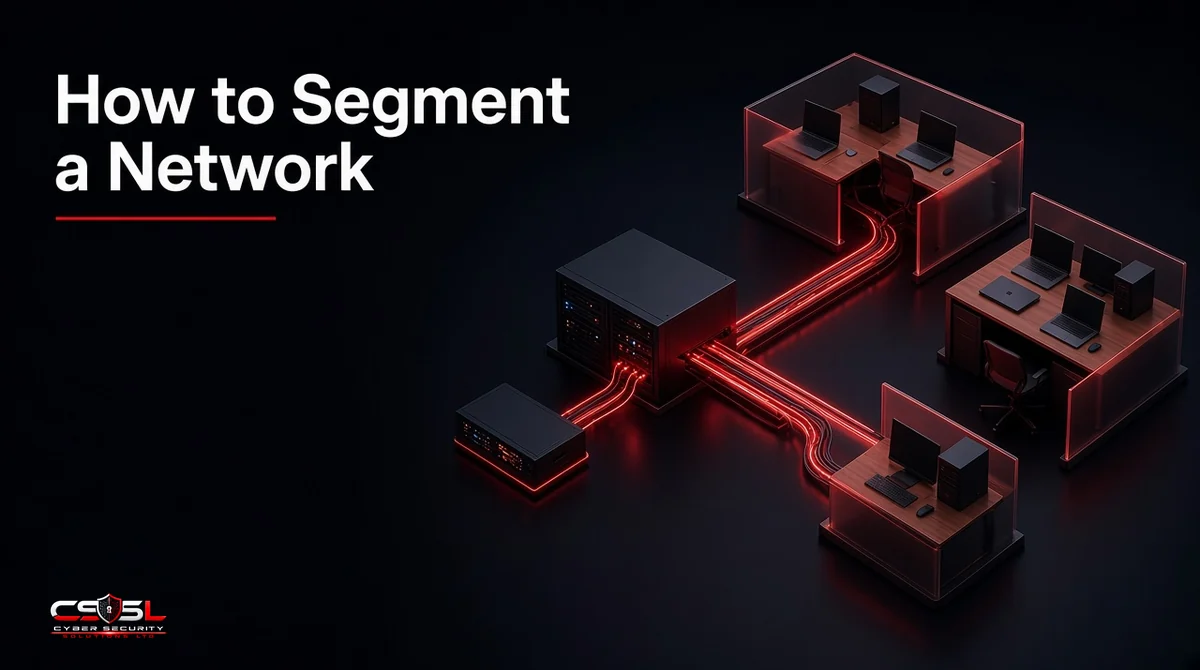
To segment a network, list every device, group devices into zones such as staff, servers, guest Wi-Fi, IoT and payments, give each zone its own VLAN and subnet, then route traffic between zones through a firewall that blocks everything not explicitly allowed. Most small offices still run one flat network, where a single infected laptop can reach the file server, the cameras and the card terminal.
Why a Flat Network Is a Risk for Small Businesses
On a flat network every device can talk to every other device. That is convenient until something gets compromised. Ransomware spreads by scanning for reachable machines, so a flat network gives it the whole office. A cheap smart TV in the meeting room sits one hop from the accounts PC.
Segmentation does not stop the first infection. It limits how far that infection travels and gives you choke points where you can log and block traffic.
Physical vs Logical (VLAN) Segmentation
Physical segmentation uses separate switches and cables for each zone. It is simple but expensive and inflexible. Logical segmentation uses virtual LANs (VLANs), which split one managed switch into several isolated networks. Small teams almost always use VLANs, with a firewall routing between them.
What You Need Before You Start
Three pieces of kit make this work:
- A managed switch that supports 802.1Q VLAN tagging
- A firewall or router that can route between VLANs and apply rules to that traffic
- VLAN-aware Wi-Fi access points that can map each SSID to a VLAN
Many small business firewalls and access points already support this. Plan a maintenance window, ideally a weekend morning, and keep console access to the firewall in case you lock yourself out.
How to Segment a Network: Step by Step
Follow these eight steps in order. Each one builds the information the next step needs, and skipping the planning steps is the main reason segmentation projects break printers on Monday morning.
Step 1: Inventory Every Device and Who Uses It
Export the DHCP lease table from your router and walk the office. Record each device, its owner, its location and what it needs to reach. Include printers, cameras, door controllers, phones and the NAS in the cupboard.
Step 2: Define Your Zones
A typical small office needs six zones: staff, servers, guest, IoT, payments and management. Keep the number low. More zones mean more rules to maintain.
Step 3: Build a Communication Matrix
Write down which zone needs to reach which, on which ports. This table becomes your firewall rule set.
| From \ To | Servers | Internet | IoT | Payments | Management |
|---|---|---|---|---|---|
| Staff | File and print ports | Yes | Casting only, if needed | No | No |
| Guest | No | Yes | No | No | No |
| IoT | No | Vendor cloud only | Within zone | No | No |
| Payments | No | Payment processor only | No | Within zone | No |
| Management | Yes | Updates | Yes | Yes | Yes |
Step 4: Plan VLAN IDs, Subnets and DHCP Scopes
Give each zone a VLAN ID and matching subnet so logs are easy to read, for example VLAN 20 with 10.0.20.0/24 for staff. Create a DHCP scope per subnet on the firewall.
Step 5: Configure Switch Ports and Wi-Fi SSIDs
Set access ports to the right VLAN for each wired device. Set the uplinks to the firewall and access points as trunks carrying only the VLANs they need. Map SSIDs to VLANs: a staff SSID, a guest SSID and, if needed, a hidden IoT SSID.
Step 6: Write Default-Deny Firewall Rules Between Zones
Start with a final rule that blocks all inter-VLAN traffic, then add allow rules from your communication matrix above it. Log denied traffic so you can see what breaks.
Step 7: Roll Out One Zone at a Time and Test
Move the guest network first because it is low risk. Then IoT, then payments, then servers, and finally staff. After each move, test the key tasks for that zone before moving on.
Step 8: Document, Monitor and Review
Keep the zone plan, matrix and rule list in one document. Review denied-traffic logs weekly for the first month, then quarterly.
A Sample Zone Plan for a 10 to 50 Person Office
| Zone | VLAN | Subnet | Allowed traffic |
|---|---|---|---|
| Management | 10 | 10.0.10.0/24 | Admin access to all devices |
| Staff | 20 | 10.0.20.0/24 | Internet, servers on named ports |
| Servers | 30 | 10.0.30.0/24 | Replies to staff, backups to management |
| Guest | 40 | 10.0.40.0/24 | Internet only |
| IoT | 50 | 10.0.50.0/24 | Vendor cloud services only |
| Payments | 60 | 10.0.60.0/24 | Payment processor only |
Segmenting Guest Wi-Fi, IoT and Payment Devices
These three zones give the fastest risk reduction for the least effort, so do them first if time is short.
Guest Wi-Fi should reach the internet and nothing else, with client isolation turned on so visitors cannot see each other. IoT devices such as cameras, TVs and smart thermostats rarely get security updates, so treat them as untrusted and allow only the cloud services they need. Payment terminals belong in their own zone. For businesses handling card data, the PCI Security Standards Council’s scoping guidance explains that properly isolating the cardholder data environment can reduce how much of the network falls into PCI DSS assessment scope, as long as the isolation can be verified.
Picture an illustrative dental practice with 15 staff. Its reception PC, X-ray workstation, guest Wi-Fi, door camera and card reader all share one network. A phishing email infects the reception PC on a Tuesday. Without segmentation, the malware can reach the X-ray workstation and the card reader. With the zone plan above, the infection stays in the staff zone, the firewall logs the blocked scans, and the practice cleans one PC instead of six systems. That single scenario is usually enough to justify the half day of work.
Protecting Management Interfaces and Backups
Switch, firewall and access point admin pages should be reachable only from the management VLAN. Backups deserve the same treatment: put the backup server or NAS where staff machines cannot write to it directly, so ransomware on a laptop cannot encrypt your recovery copies.
How to Test Your Network Segmentation
From a laptop in each zone, try to reach devices in every other zone with a ping and a simple port scan. Anything that responds but should not is a rule to fix. Repeat after every firewall change and at least once a year.
Common Network Segmentation Mistakes
One Wi-Fi Password for Everyone
If staff, guests and devices share one SSID, they share one network. Separate SSIDs mapped to VLANs fix this.
Any-Any Rules and Rule Creep
A temporary “allow all” rule added during troubleshooting is the most common way segmentation quietly disappears. Date every rule and remove the temporary ones.
Misconfigured Trunks and VLAN Hopping
Trunk ports that carry every VLAN to every device make VLAN hopping attacks possible. Limit trunks to the VLANs each link needs and do not use VLAN 1 for user traffic.
When to Go Further: Microsegmentation and Zero Trust
Once zones are stable, larger teams can isolate individual servers or workloads with microsegmentation and identity-based rules. That is a zero trust step, best taken after basic VLAN zones work.
US and UK Guidance on Network Segmentation
In the US, CISA recommends segmenting networks to limit ransomware spread in its #StopRansomware guidance, and PCI DSS applies wherever card data is handled. In the UK, the NCSC’s guidance on preventing lateral movement supports separating networks, and Cyber Essentials requires firewalls to protect devices and limits on what can reach them.
FAQs
Partly. Many routers offer a separate guest network, but proper zones need a managed switch and a firewall that routes between VLANs.
Usually four to six: management, staff, servers, guest, IoT and payments if you take cards.
Rarely in a small office. Traffic within a zone is unaffected, and modern firewalls route between VLANs at full office speeds.
No. It protects you from visitors but leaves IoT, payments and servers on the same network as staff.
Planning takes a few hours. Configuration and rollout typically fit into a single maintenance window for offices under 50 people.
A guest network for smart devices is a sensible minimum. Full VLANs are worth it if you handle client data at home.
Your First Segmentation Move
If you only do one thing this month, put guest Wi-Fi and IoT devices on their own VLANs with internet-only access. If you want an expert-led review of your zone plan or firewall rules, Cyber Security Solutions Ltd offers a free, no-obligation assessment through our contact page.