What Is a Network Firewall? How It Works and Why You Need One
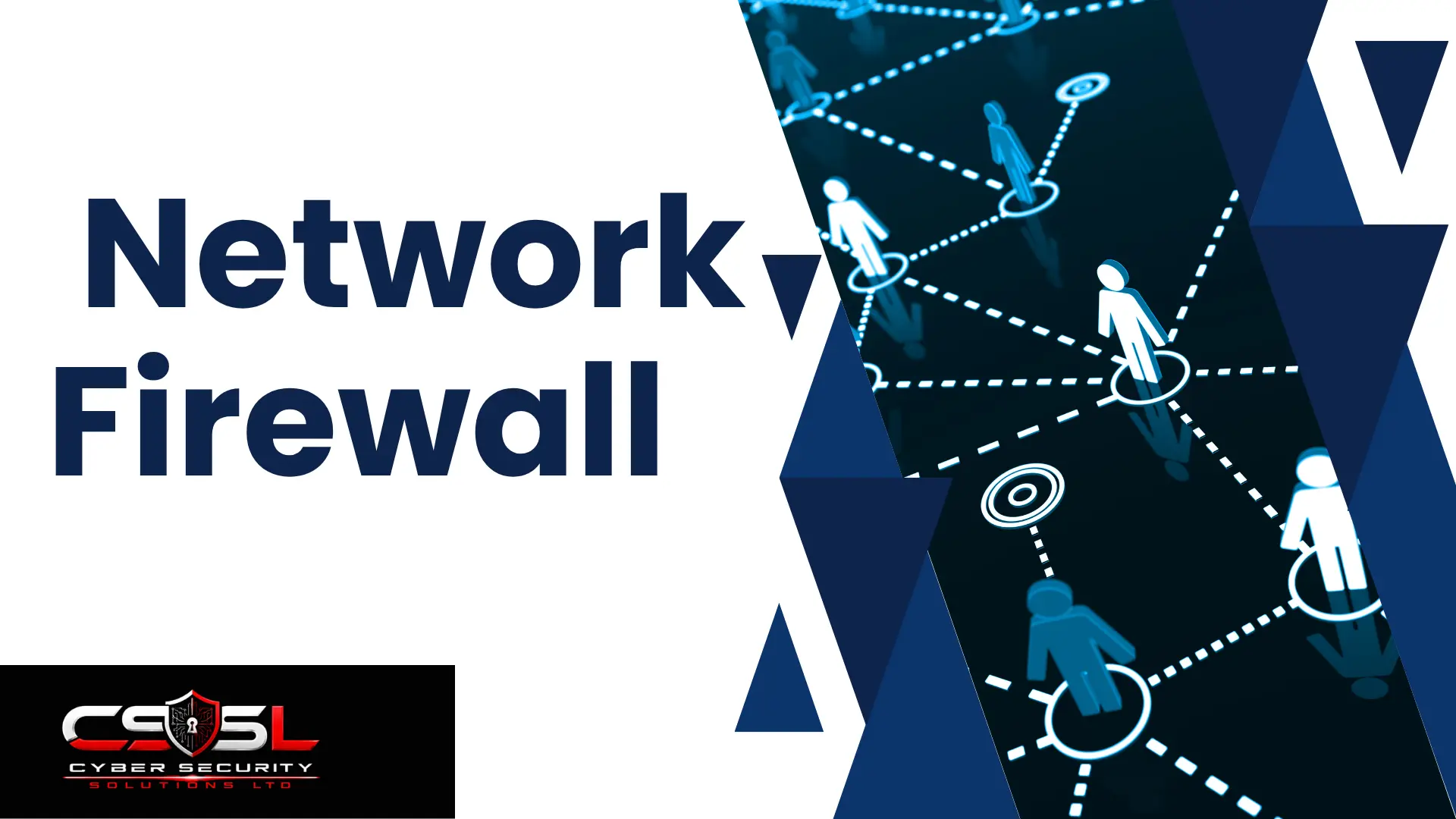
A network firewall is a security device or software system that monitors and controls traffic based on defined rules, acting as a controlled checkpoint between networks of differing trust. Modern firewalls use stateful inspection to track legitimate connections instead of examining each packet in isolation.
If your team has a firewall running but couldn’t explain how it decides what to block, you’re far from alone.
What Is a Network Firewall?
A network firewall watches every piece of traffic trying to cross a boundary and decides, based on rules your organization defines, whether that traffic gets through or gets stopped. Think of it as a checkpoint sitting between two areas of differing trust: your internal network and the open internet, for example.
That’s the core purpose in plain terms. Every single connection attempt gets checked against a rule set, and the firewall acts on whatever that rule set says. Historically, firewalls have operated primarily at the network and transport layers, looking at addresses and ports rather than the actual content inside the traffic. That foundation is exactly what the rest of this guide builds on.
How Does a Firewall Decide What to Allow and What to Block?
A firewall’s behavior is governed by an ordered list of rules called an Access Control List, or ACL. Each rule specifies criteria, like source and destination IP address, port, and protocol, paired with an action: allow or deny.
Most firewalls apply these rules in sequence and act on the first matching rule they find. That means rule order isn’t just a formatting choice, it’s a functional part of how the firewall behaves. Put a broad “allow” rule too early on the list, and it can quietly override a more specific “deny” rule sitting further down, without anyone realizing traffic is slipping through.
This is exactly why default-deny matters as a security practice. A properly configured firewall should block everything by default and only explicitly permit what’s genuinely required for business operations. That’s a very different posture than allowing everything and trying to catch only the traffic you already know is bad. Known threats change constantly. An unrecognized, permitted connection is a risk you may never even notice.
What Is Stateful Inspection, and Why Did It Replace Basic Packet Filtering?
Basic packet filtering was the earliest, simplest approach to firewall filtering. It examines each individual packet’s header information in isolation, checking it against the rule set with zero awareness of whether that packet belongs to a broader, legitimate conversation already underway.
Stateful inspection changed that. Instead of treating every packet as a stranger, a stateful firewall tracks the state of active connections. When your laptop sends a request to a website, the firewall remembers that connection was legitimately initiated. When the website’s response comes back, the firewall recognizes it as expected return traffic and lets it through automatically, without needing a separate, explicit rule written for that response.
This matters for two concrete reasons. It’s more secure, because the firewall can distinguish real response traffic from an unsolicited, potentially malicious new connection attempt trying to sneak in disguised as a reply. It’s also more practical to manage, since your team doesn’t need to write a separate rule covering every possible response direction for every allowed connection. This remains the baseline technology underneath most modern firewalls today, including next-generation firewalls, which add capability on top of stateful inspection rather than replacing it.
What Is NAT, and Why Do Most Firewalls Perform It?
Network Address Translation, or NAT, translates internal, private IP addresses into a single public-facing address, or a small pool of them, before traffic leaves your network and heads out to the internet.
The security benefit here is direct and genuinely valuable. Your internal network topology and individual device addresses are never exposed directly to the public internet. An outside party looking at your traffic sees one public address, not the actual IP address of the specific laptop or server that originated the request. That makes it meaningfully harder for an attacker to directly target a specific internal device, since they don’t even know it exists as a distinct, addressable target.
Most firewalls perform NAT themselves rather than relying on a separate device for it. Combining traffic filtering and address translation at the same boundary point is simply more operationally convenient, and it fits naturally with the perimeter enforcement role firewalls already play at your network’s edge.
What Are the Different Types of Firewalls, by Filtering Technology?
Firewall technology didn’t arrive all at once. It evolved in stages, and understanding that progression makes every later concept easier to grasp.
- Packet filtering: the earliest, simplest, stateless approach. Examines each packet’s header in isolation, checking only source and destination IP and port.
- Circuit-level gateways: verify that a connection’s handshake is legitimate without deeply inspecting the actual packet content.
- Stateful inspection: the widely adopted advance covered above, tracking connection state to intelligently permit legitimate return traffic.
- Application-layer or proxy firewalls: act as an intermediary, inspecting traffic content at a higher level than just headers or connection state.
- Next-generation firewalls (NGFW): combine stateful inspection with deeper, application-aware capability, representing the modern standard most businesses deploy today.
Firewall Types by Filtering Technology
| Type | How It Works | What It Can See | Status |
| Packet filtering | Examines each packet’s header in isolation | Source/destination IP, port | Largely legacy |
| Circuit-level gateway | Verifies connection handshake legitimacy | Handshake only | Legacy, narrow use |
| Stateful inspection | Tracks state of active connections | Connection context | Widely adopted baseline |
| Application-layer/proxy | Acts as intermediary, inspects content | Application-level content | Bridge toward modern filtering |
| Next-generation (NGFW) | Combines stateful inspection with app awareness | Application identity, payload content | Modern standard |
A full, detailed comparison of NGFW against traditional stateful firewalls, including exactly when the added capability justifies the added cost, deserves its own dedicated look rather than a rushed summary here.
There’s a second, separate way firewalls get categorized, worth knowing about even briefly: deployment form factor. This means hardware appliances, software-based firewalls running on general-purpose infrastructure, or cloud-delivered firewall services. This is a genuinely different classification from the filtering technology evolution above, not a subset of it.
Network-Based vs Host-Based, and Network-Layer vs Application-Layer — Getting the Terminology Precise
Here’s where a lot of confusion creeps in, and it’s worth clearing up properly because these terms genuinely mean different things, even though they get used interchangeably all the time.
A network-based firewall protects an entire network segment, typically deployed at a perimeter or zone boundary. It inspects traffic for every device sitting behind it simultaneously, meaning one properly placed network-based firewall can protect dozens or hundreds of devices at once. A host-based firewall is a completely different animal. It runs directly on an individual device, like a single laptop or server, protecting only that one machine regardless of where else on the network it happens to connect. If that laptop leaves the office and connects from a coffee shop, the host-based firewall goes with it; the network-based firewall back at the office does not.
The network-layer versus application-layer distinction is a separate axis entirely, and it connects directly to how network traffic gets categorized by OSI layer. A network-layer firewall specifically filters based on Layer 3 information, meaning IP addresses alone. That’s distinct from Layer 4 filtering, which adds port-based rules into the mix, and distinct again from Layer 7, application-aware filtering, which can actually identify what application is generating a given piece of traffic rather than just where it’s going.
Here’s why precision on these terms genuinely matters in practice. If a vendor or a colleague says “we have a network firewall,” that single phrase could mean any combination of these distinct concepts: a network-based device operating only at Layer 3, or a host-based tool with application awareness, or something else entirely. Being able to ask a more precise question, like “is this a network-based or host-based deployment, and what layer does it filter at,” gets you a genuinely more useful and accurate answer instead of a vague nod.
Network-Based vs Host-Based Firewalls
| Criteria | Network-Based | Host-Based |
| What it protects | An entire network segment | One individual device |
| Typical placement | Perimeter or zone boundary | Installed on the device itself |
| Scope of coverage | Every device behind it simultaneously | Only that single machine |
Where Does a Firewall Sit in Your Network?
A firewall commonly sits at the boundary between the untrusted internet and your DMZ, and again between the DMZ and your internal, trusted network. Some businesses run this as two separate physical devices. Others use a single appliance with multiple distinct network interfaces handling both boundaries at once.
There’s a second, complementary placement worth knowing about too: internal firewalls. Beyond the traditional perimeter position, firewalls are also commonly deployed between internal network segments themselves. This is exactly the mechanism that enforces the kind of policy needed between separate VLANs, making sure your guest network genuinely can’t reach your internal server segment, even though both sit inside your broader network. Cyber Security Solutions Ltd frequently helps businesses map out exactly where these internal boundaries should sit based on what’s actually being protected.
Why Do You Need a Firewall Specifically?
A firewall remains the single most foundational, universally expected network security control any business can deploy. Its absence, or a misconfigured, default-allow deployment that lets everything through, leaves a network with essentially no controlled boundary at all. Anyone or anything can reach anything else, with nothing standing in the way.
There’s also direct compliance weight behind this. Firewalls are explicitly named as a required control within PCI DSS and referenced across most major compliance frameworks businesses encounter. For any organization handling payment data or other regulated information, a properly configured firewall isn’t optional. It’s close to a non-negotiable baseline before anything else even gets evaluated.
What Can’t a Firewall Do Alone?
A firewall is one essential security layer, not a complete security solution by itself. Treating it as sufficient on its own is a genuinely common, costly mistake.
Here’s the specific gap worth understanding. A traditional, Layer 3-4 firewall can see where traffic is coming from and going to, and which port it’s using. What it structurally cannot see is the actual content and intent hiding inside otherwise legitimate-looking application traffic. A connection that looks completely normal on the surface, using a standard port and a standard protocol, can still be carrying something malicious, and a basic firewall has no way to look closely enough to tell the difference.
This is precisely the gap that application-layer filtering, content filtering, sandboxing, and deep packet inspection each exist to close, each adding a different kind of visibility a firewall alone was never designed to provide. The rest of this pillar develops exactly what a basic firewall structurally cannot do on its own, and how those gaps actually get closed in practice.
Conclusion
A firewall is where network security genuinely starts, but it was never meant to finish the job alone. Get the fundamentals right first: proper rule ordering, default-deny, and correct placement, before layering on more advanced capability. If you want a second opinion on whether your current firewall setup is actually configured the way you think it is, Cyber Security Solutions Ltd can walk through it with you.
FAQs
A firewall monitors and controls network traffic based on defined rules, acting as a checkpoint between networks of differing trust. It decides, traffic by traffic, whether to allow or block based on criteria like IP address, port, and protocol.
Yes. Antivirus protects individual devices from malicious files. A firewall controls network traffic at the boundary level, blocking unauthorized connections before they reach any device at all. They serve different, complementary purposes.
Stateful inspection tracks the state of active connections, recognizing when a packet is part of an already-established, legitimate conversation. It automatically permits expected return traffic without needing a separate rule for every response direction.
A network-based firewall protects an entire network segment at a perimeter or zone boundary. A host-based firewall runs on one individual device, protecting only that specific machine regardless of network location.
Most firewalls perform NAT, translating internal private IP addresses into a public-facing address. It matters because it hides internal network topology and device addresses from the public internet, making direct targeting harder.
Default-deny means the firewall blocks all traffic by default and only explicitly permits what’s genuinely required. This is the security best practice, as opposed to allowing everything and trying to block only known-bad traffic.