Network Security Best Practices: The Definitive 2026 Checklist
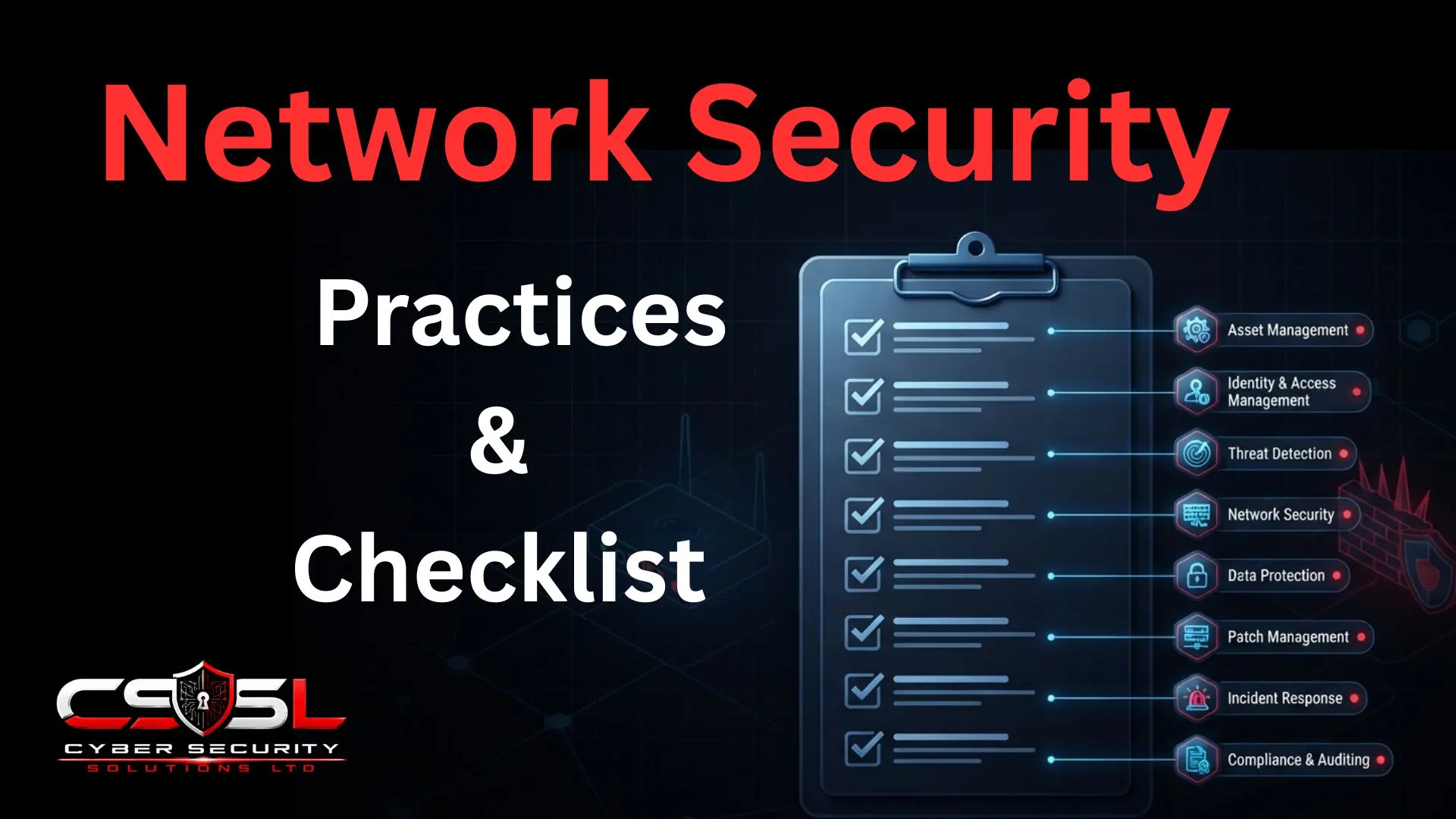
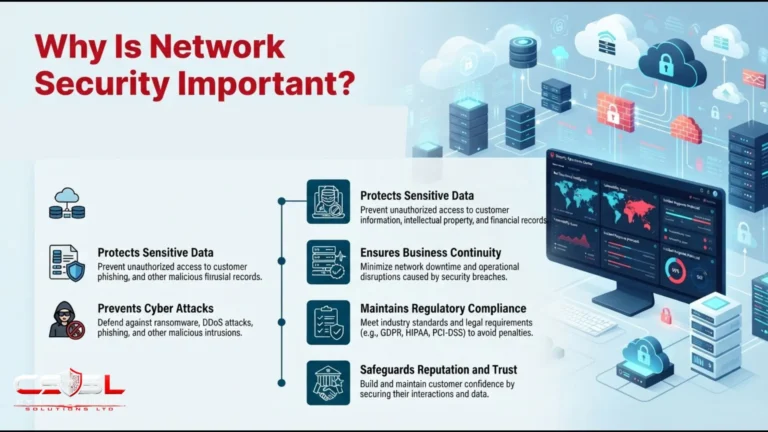
Essential network security best practices span multi-factor authentication and access control, a properly configured firewall, network segmentation, continuous monitoring and threat detection, strong wireless security, and a documented, regularly reviewed security policy. If you want a single checklist to genuinely audit your network against, instead of reading dozens of separate articles, this is that checklist.
What Is This Network Security Checklist?
This checklist is organized around the same eight functional categories already established earlier in this pillar: access and identity, perimeter and filtering, threat detection and prevention, architecture and segmentation, data protection and encryption, wireless and device security, modern and cloud-adjacent architecture, and governance, monitoring and response. That reuse is deliberate, so the two guides work together as a coherent pair rather than two disconnected pieces, giving this pillar internal coherence from a very early point rather than only in retrospect.
Use this as a scannable, bookmarkable reference to audit an existing network or plan a new one against, not a document you read once and file away.
One clean disambiguation matters here. This is a control-by-category checklist, covering what should be in place regardless of any single named threat. A separate guide elsewhere in this series walks through specific attack types and their specific countermeasures instead, and another goes deeper into device-level configuration hardening specifically. This checklist stays broader, spanning governance and policy alongside technical controls, giving you the full map before either of those narrower guides gets useful.
Access and Identity Controls Checklist
- Multi-factor authentication enforced on every network access point, VPN connection and administrative interface, with no exceptions for convenience
- Default credentials changed on every network device, routers, switches, firewalls and wireless access points, since factory defaults remain one of the most exploited, entirely avoidable gaps
- Network access control deployed to verify a device’s compliance status before granting it network access at all
- Least privilege applied to network segment and resource access, rather than broad, convenient access granted by default
- Access reviewed on a regular, scheduled cadence, with departed employees and unused accounts explicitly removed rather than left dormant
Picture a business where a former contractor’s VPN login still worked eight months after their contract ended. Nobody had done anything wrong on purpose. Nobody had simply built a habit of reviewing access on a schedule. That gap sat open the entire time, waiting for someone to notice it before an attacker did.
Perimeter and Traffic Filtering Checklist
A firewall installed is not the same thing as a firewall configured. This category covers the difference between the two.
- A firewall deployed at every genuine network boundary, actively and deliberately configured rather than left on default, out-of-the-box rules
- Outbound traffic filtered as well as inbound, a frequently overlooked gap that leaves compromised internal devices free to communicate with attacker infrastructure
- Content and web filtering applied to reduce exposure to malicious or inappropriate destinations
- Next generation firewall capability genuinely evaluated where deeper, application-layer inspection is warranted, not assumed unnecessary by default
Threat Detection and Prevention Checklist
Detection tools only work if someone genuinely looks at what they find. This category covers both the tooling and the ongoing attention it requires.
- An intrusion detection or prevention system deployed and actively, continuously monitored, not merely installed and forgotten
- Detection signatures and rules kept current through regular, scheduled updates
- Behavioral or anomaly-based detection considered alongside signature-based tools specifically to catch genuinely novel threats with no existing signature yet
Network Architecture and Segmentation Checklist
- The network divided into distinct, deliberate zones, guest, staff, servers, connected devices, rather than operating as a single, flat network where any compromised device can reach everything else
- Critical systems isolated on their own restricted segment, with access explicitly limited to those who genuinely need it
- Guest WiFi genuinely, technically separated from the internal business network, not merely protected by a different password on the same underlying network
Data Protection and Encryption Checklist
- All wireless traffic encrypted using WPA2 or, ideally, WPA3 specifically, never WEP, and never an open, unencrypted network for business use
- VPN used for all remote access to internal resources, with genuinely strong, current encryption standards rather than an outdated, legacy configuration
- Sensitive data encrypted specifically as it travels across the network, not assumed protected simply because it stays within internal infrastructure
Wireless and Device Security Checklist
Your wireless network security key deserves special attention here. That is the exact term this pillar’s own opening guide clarified for anyone who arrived searching that specific phrase, and it is worth real emphasis as a checklist item, not just a definition.
- A strong, genuinely unique wireless network security key in place, not a router’s default, not something shared openly, and not something left unchanged since installation
- WiFi passwords rotated on a sensible schedule, and always immediately after a relevant staff departure
- Rogue and unauthorized access point detection in place, since an attacker-planted access point can bypass perimeter controls entirely
- Every IoT and connected device explicitly inventoried and placed on its own isolated segment, never mixed with the primary business network
Here is a scenario worth recognizing. A retail shop’s guest WiFi password had been printed on a chalkboard for two years, visible to every customer who walked in. Staff assumed the guest network was harmless since it was “just for customers.” It shared the same underlying network as the point-of-sale system the entire time. A stronger, rotated key and genuine technical separation would have closed that gap in an afternoon, not a redesign.
Modern and Cloud-Adjacent Architecture Checklist
Networks rarely stay in one place anymore. This category covers the parts of your setup that stretch beyond a single office.
- Hybrid environments spanning on-premise and cloud infrastructure reviewed specifically for consistent security policy across both, rather than assuming coverage transfers automatically
- Remote and hybrid work access secured using modern, identity-based approaches where genuinely feasible, rather than relying solely on legacy, broad-access VPN configurations
Governance, Monitoring and Response Checklist
- Network activity logged and actively, continuously monitored, not reviewed only after an incident has already occurred
- A documented, tested incident response plan exists specifically for network security incidents
- Every network device, routers, switches, firewalls, access points, kept patched and updated on a defined schedule, since network hardware itself is a commonly neglected patching blind spot
- A formal, written network security policy exists and is reviewed on a regular cadence
- Network security assessed or audited on a recurring basis, not as a single, historical exercise
Helping a business confirm these governance basics are genuinely in place, not just assumed, is exactly the starting conversation Cyber Security Solutions Ltd has with new network security clients.
If You Can Only Do Five Things This Year, Do These First
| Category | Top Checklist Item | Priority |
| Access and identity | MFA everywhere, no exceptions | Critical |
| Perimeter and filtering | Properly configured firewall | Critical |
| Architecture and segmentation | Genuine, isolated network zones | Critical |
| Wireless and device | Strong key, separated guest network | High |
| Governance and response | Devices patched on a schedule | Critical |
If you can only do five things: enforce MFA on every network access point without exception, properly configure a firewall at every network boundary, segment the network into genuine, isolated zones, keep every network device patched on a defined schedule, and set a strong, unique wireless network security key with the guest network technically separated from the business network.
Each of these five addresses either the single most commonly exploited, entirely avoidable gap, default credentials and unpatched devices, or the control with the greatest impact on limiting how far an attacker can move once they gain any initial access at all.
Conclusion
Network security is not something you finish once and move past. It is eight categories of ongoing discipline, and the five priorities above are your starting point if you cannot tackle everything at once. Work through each category honestly, checkbox by checkbox, and revisit this list as your network changes. To get a full assessment benchmarking your network against this exact checklist, visit cybersecuritysolutionsltd.com for expert support from Cyber Security Solutions Ltd.
FAQs
Multi-factor authentication and access control, a properly configured firewall, network segmentation, continuous monitoring and threat detection, strong wireless security, and a documented, regularly reviewed security policy form the core baseline every business should genuinely address across every category listed here.
This checklist organizes by control category, what should be in place regardless of any single named threat. An attack prevention guide organizes by attack type, walking through specific threats and their specific countermeasures. Both are useful, but answer genuinely different questions.
Enforce MFA everywhere without exception, properly configure a firewall at every boundary, segment the network into genuine isolated zones, keep every network device patched on schedule, and set a strong, unique wireless network security key with the guest network technically separated.
Rotate it on a sensible, regular schedule, and always immediately after a relevant staff departure. A network security key that has never changed since installation, or is shared openly, is one of the most common, entirely avoidable network security gaps businesses have.
No. A firewall left on default, out-of-the-box rules provides far less protection than one actively and deliberately configured for your specific network. Outbound traffic filtering matters too, a frequently overlooked gap that leaves compromised internal devices free to communicate with attacker infrastructure unnoticed.
On a recurring basis, not as a single, historical exercise. Network security assessment, like most items on this checklist, is an ongoing discipline rather than a one-time project, since new devices, configurations and risks accumulate continuously as a business grows.