Email Threat Detection: How Modern Tools Catch Phishing, BEC and Malware
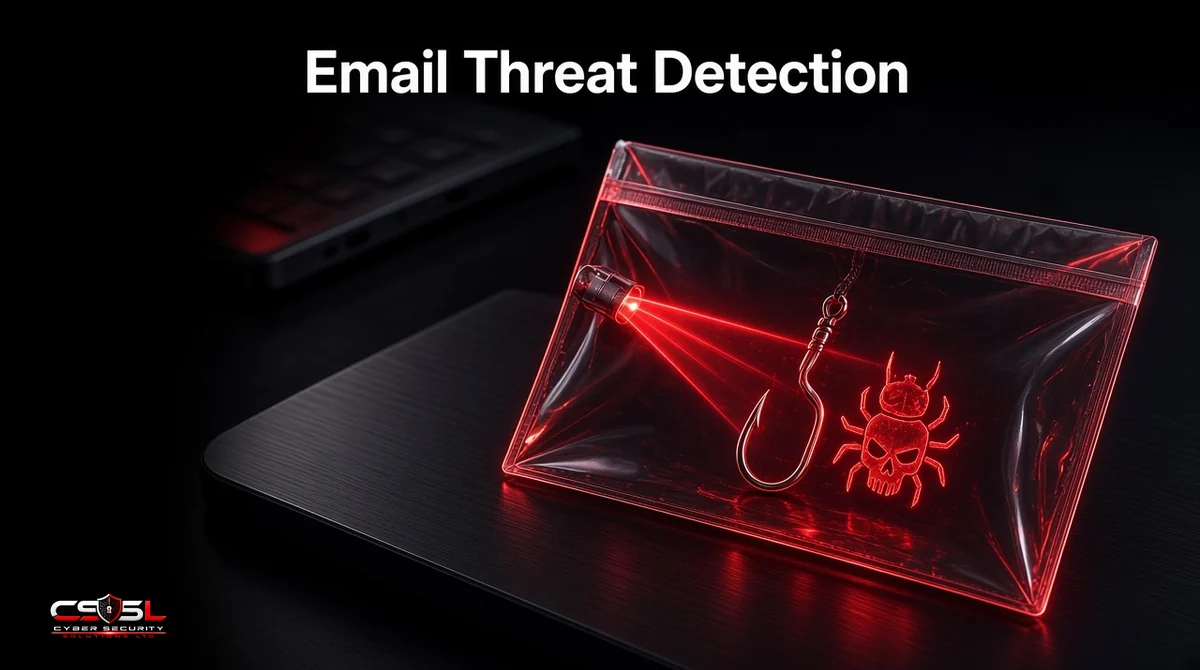
Spam filters stop most junk. They do not reliably stop a fake invoice from a lookalike domain, a QR code that leads to a credential trap or a one-off business email compromise with no malware at all. Email threat detection is the layer built for those attacks: finding malicious intent before and after a message reaches the inbox.
What Is Email Threat Detection?
Email threat detection is the use of layered tools to find malicious email before and after delivery. It combines sender reputation, authentication checks, attachment sandboxing, link analysis, behavioral AI and post-delivery remediation to catch phishing, business email compromise (BEC), malware and account takeover.
Email Threat or Thread? A Quick Clarification
Searchers sometimes type “email thread detection.” This article is about security threats, not conversation threads. Thread hijacking, where attackers insert themselves into real email chains, is one of the threats these tools help spot.
Why Traditional Filtering Is No Longer Enough
Reputation and keyword filters struggle with new domains, trusted-looking language and messages that carry no attachment or malicious link. Attackers also compromise real mailboxes and send from inside the organization. Detection has to look at behavior and context, not only known bad indicators.
Email Threats Modern Tools Must Catch
Phishing and Credential Harvesting
Messages that push users to fake login pages or to enter passwords and MFA codes. Detection looks for suspicious URLs, brand impersonation and abnormal sending patterns.
Business Email Compromise and Invoice Fraud
Text-only requests to change bank details or pay an urgent invoice, often with no link or file. Language analysis, vendor payment history and lookalike-domain signals matter more than signatures here.
Malware and Ransomware Attachments
Documents and archives that exploit readers or drop payloads. Sandboxing opens files in isolation to see what they do.
Account Takeover and Internal Phishing
Once a mailbox is compromised, attackers send trusted-looking mail to colleagues and partners. Tools watch for impossible travel, sudden sending spikes and new forwarding rules.
QR Code and AI-Generated Phishing
QR codes in emails can bypass some link scanners if the URL is only in the image. AI-written phishing removes many spelling and grammar clues. Modern detection adds image analysis and models trained on generative phishing styles.
How Email Threat Detection Works: The Detection Layers
Edge Protection and Sender Reputation
At the edge, filters still block known bad IPs and domains. That clears volume so deeper checks can focus on ambiguous mail.
Authentication Checks (SPF, DKIM, DMARC)
Failed or missing authentication raises risk scores. Aligned DMARC makes spoofing of your own domains much harder for attackers to pull off.
Content, URL and Attachment Analysis (Sandboxing)
URLs are detonated or rewritten for time-of-click checks. Attachments open in a sandbox that watches for exploit behavior, even when the file is new.
Behavioral AI and Language Analysis
Models score whether a message looks like BEC, unusual payment language or a departure from a sender’s normal style. This is how text-only fraud gets flagged.
Time-of-Click and Post-Delivery Remediation
Links are rechecked when the user clicks, because pages often turn malicious after delivery. If a threat is confirmed later, the platform can purge the message from every mailbox automatically.
Secure Email Gateway vs Integrated Cloud Email Security (ICES)
How a SEG Works
A secure email gateway sits in the MX path. All inbound mail flows through it for scanning before it reaches Microsoft 365 or Google Workspace.
How API-Based ICES Works
Integrated cloud email security connects through APIs, inspects mail inside the mailbox platform and can remediate after delivery without changing MX records.
Why Many Businesses Layer Both
Some teams keep a gateway for edge control and add API-based tools for internal mail, account takeover and faster cleanup. Others standardize on one approach. The right choice depends on risk, admin capacity and existing platform licenses.
Advanced Email Threat Protection in Microsoft 365 and Google Workspace
Microsoft Defender for Office 365 adds Safe Links, Safe Attachments, campaign views and automated investigation on top of Exchange Online Protection. Google Workspace offers phishing and malware protections, security sandboxes on higher plans and investigation tools in the Admin console. Both have improved, but configuration quality still decides results.
When to Add Third-Party Email Threat Defense
Add a third-party layer when you see repeated BEC losses, need stronger vendor-fraud controls, want independent detection alongside your platform or must meet insurer or customer requirements that go beyond defaults.
The Human Layer: User Reporting and Training
Even strong detection misses some attacks. One-click reporting buttons, fast SOC response and short, frequent phishing simulations close the gap. Train staff on invoice fraud and QR codes, not only on obvious spam.
Key Features to Look for in Email Threat Detection Tools
- Attachment sandboxing and URL detonation
- Time-of-click link protection
- BEC and lookalike-domain detection
- Post-delivery purge and mailbox remediation
- Account takeover signals (forwarding rules, unusual sends)
- Integration with Microsoft 365 or Google Workspace
- Clear admin alerts and user reporting workflows
- Metrics for catch rate, false positives and time to remediate
How to Measure Detection Effectiveness
Track true phishing caught, false positives, BEC attempts blocked, average time to purge after a new indicator and user-reported messages that tools missed. Review monthly. If metrics are flat while attacks rise, retune policies or reassess coverage.
Email Threat Prevention Best Practices for SMBs
- Enforce MFA on every mailbox.
- Move DMARC to quarantine or reject for domains you own.
- Turn on Safe Links or equivalent time-of-click protection.
- Restrict who can change payment details based on email alone.
- Monitor new inbox rules and forwarding.
- Run short phishing simulations and report drills.
Closing the Gap on Email Threat Defense
Detection works when layers reinforce each other: authentication, sandboxing, behavior analysis, post-delivery cleanup and trained people. If you only score spam, you are unprotected against the attacks that cost businesses the most. For help reviewing your email threat stack, contact Cyber Security Solutions Ltd through our contact page.
FAQs
Rule-based filtering matches known patterns, blocklists and fixed signatures. AI email security scores behavior and language, so it can flag new phishing and BEC that have never been seen before. Most modern platforms use both: rules for known bad mail, and models for ambiguous, targeted attacks.
BEC detection looks for lookalike domains, display-name spoofing, unusual payment language, changes in vendor banking details and messages that break a sender's normal style. Because many BEC emails have no malware or malicious link, behavioral and contextual signals matter more than file scanning alone.
Often yes for organizations that configure it well, enforce MFA and train staff. It may not be enough if you face frequent BEC losses, need extra vendor-fraud workflows or want a second detection engine. Judge by your incident history and insurer requirements, not by feature checklists alone.
A spam filter mainly reduces unwanted and bulk mail using reputation and content scoring. Email threat protection focuses on malicious intent: phishing, BEC, malware and account takeover, with sandboxing, behavioral analysis and remediation. You need spam filtering for volume and threat detection for targeted attacks.
Many modern tools extract and inspect URLs embedded in QR code images, then apply the same link protections used for normal hyperlinks. Coverage varies by product, so confirm image and QR analysis is enabled. User training still matters, because some QR attacks arrive on printed paper rather than email.
The platform should purge or move the message from all mailboxes, block related URLs and senders, alert administrators and check whether anyone clicked or entered credentials. Reset affected accounts, review mailbox rules and update detection policies so similar messages are caught earlier next time.