Secure Boot Explained: How It Blocks Bootkits and Rootkits
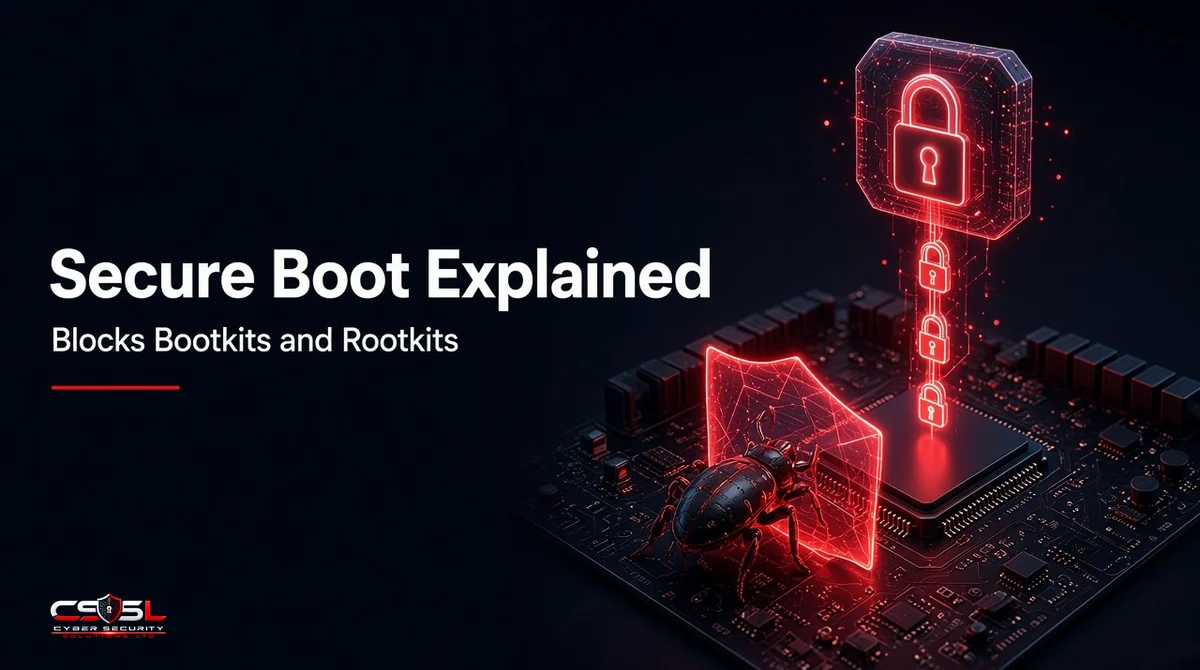
Secure Boot is a UEFI firmware feature that checks the digital signature of every bootloader, driver and operating system kernel before it runs. If code is unsigned or on a revocation list, the PC refuses to load it. This stops bootkits and rootkits from hiding below the operating system.
The Threat: Bootkits and Rootkits That Load Before the OS
A rootkit is malware built to hide itself and keep privileged control of a system. It conceals files, processes and network connections from users and security tools, often by tampering with the operating system itself.
What Is a Bootkit?
A bootkit is a rootkit that infects the boot process: the bootloader, the boot manager or the firmware itself. Because it runs before the operating system, it can change what Windows or Linux loads and switch off protections before they start.
Why Antivirus and EDR Can’t See Boot-Level Malware
Antivirus and EDR agents start as part of the operating system. Code that ran earlier has already had the chance to patch the kernel, hide its files or disable the agent’s drivers. To a tool inside the OS, a tampered system can look clean. The fix has to come from the firmware, which runs first.
How UEFI Verification Works: The Chain of Trust
Signature Databases and Keys (PK, KEK, db, dbx)
UEFI firmware stores four sets of keys and signatures:
- PK (Platform Key): owned by the device maker; controls changes to the KEK.
- KEK (Key Exchange Key): authorizes updates to db and dbx. Microsoft’s KEK is on most Windows PCs.
- db (allowed database): certificates and hashes for code that may run.
- dbx (forbidden database): revoked signatures and hashes for code known to be unsafe.
Step-by-Step Boot Sequence
- The firmware starts and checks its own components.
- It loads the bootloader only if its signature matches db and is not listed in dbx.
- The bootloader (for example Windows Boot Manager or the Linux shim) verifies the OS loader and kernel.
- The kernel verifies boot drivers, including the anti-malware driver that starts first.
- The operating system starts, and security tools take over.
If any step fails, the device stops and shows an error instead of running untrusted code.
How the Feature Blocks Bootkits and Rootkits
A bootkit must replace or modify signed boot code. Any change breaks the signature, so the firmware refuses to run it. Attackers would need a key in db, which they do not have, or a signed but flawed component that has not yet been revoked. That is why revocation through dbx matters as much as the signatures themselves.
Secure Boot vs Measured Boot vs Trusted Boot
| What it does | Blocks or records? | |
|---|---|---|
| UEFI signature checks | Checks signatures on firmware-stage code before it runs | Blocks |
| Trusted Boot (Windows) | Checks the kernel, drivers and startup files after the bootloader | Blocks |
| Measured Boot | Records a hash of each boot component in the TPM | Records for later checks |
Where TPM and ELAM Fit
The TPM (Trusted Platform Module) is a chip that stores boot measurements so a remote service can confirm a device started cleanly, known as device health attestation. ELAM (Early Launch Anti-Malware) lets an approved anti-malware driver load first and vet the other boot drivers.
Limitations: What It Can’t Stop
BlackLotus and Signed-but-Vulnerable Bootloaders
BlackLotus, reported in 2023, was the first public UEFI bootkit able to bypass protection on fully patched Windows 11 systems. It exploited a Windows boot manager flaw (CVE-2022-21894) using older, legitimately signed binaries. The US NSA published mitigation guidance the same year. The lesson: signatures only help if vulnerable components are revoked in dbx.
Firmware Flaws and Physical Access
The check relies on the firmware being sound. Flaws in UEFI code, or an attacker with physical access who can change firmware settings or keys, can undermine it. NIST SP 800-147 and SP 800-193 set out guidance on protecting and recovering platform firmware.
The 2026 Secure Boot Certificate Expiry: What IT Teams Must Do
Microsoft’s original 2011 certificates expire during 2026, according to Microsoft’s support article on certificate expiration and CA updates:
- Microsoft Corporation KEK CA 2011: June 24, 2026 (replaced by Microsoft Corporation KEK 2K CA 2023)
- Microsoft UEFI CA 2011: June 27, 2026 (replaced by Microsoft UEFI CA 2023 and Microsoft Option ROM UEFI CA 2023)
- Microsoft Windows Production PCA 2011: October 19, 2026 (replaced by Windows UEFI CA 2023)
All three dates have now passed. Devices without the 2023 certificates still start and receive normal Windows updates, but Microsoft says they can no longer receive new boot-level protections, such as boot manager and dbx updates. IT teams should:
- Confirm devices have the 2023 certificates; from April 2026, the Windows Security app shows status under Device security
- Apply OEM firmware updates first where makers require them
- Pilot on a small group, especially devices using BitLocker, before rolling out widely
- Track stragglers through device management reports
How to Check if Boot Protection Is Enabled
Windows (msinfo32 and PowerShell)
Run msinfo32 and look for “Secure Boot State: On.” In an admin PowerShell window, `Confirm-SecureBootUEFI` returns True when it is on.
Linux (mokutil)
Run `mokutil –sb-state`. It reports “SecureBoot enabled” or “disabled.”
Checking Across a Fleet
Use your device management tool’s compliance reports, such as a boot protection compliance policy, or device health attestation through the TPM. This shows every device’s status in one place instead of checking machines one by one.
How to Enable It Safely
Enter the UEFI setup during startup, confirm the system uses UEFI mode rather than legacy BIOS or CSM, and turn the feature on. Disks using the old MBR layout must convert to GPT first; Windows’ MBR2GPT tool can do this. Back up data and suspend BitLocker before changing firmware settings, then confirm the status after the restart.
Best Practices for Businesses
- Make the feature mandatory in device compliance policies
- Keep firmware and dbx revocation updates current
- Lock firmware settings with an admin password
- Pair it with Measured Boot, TPM attestation and EDR
- Include boot-level threats in incident response plans
- Under UK Cyber Essentials, treat it as part of secure configuration
The Bottom Line on Boot Protection
Secure Boot closes the gap that EDR and antivirus cannot cover: the moments before the operating system starts. It works only when certificates and revocation lists stay current, which makes the 2026 certificate change a task worth checking now. For help reviewing boot security across your devices, contact Cyber Security Solutions Ltd through our contact page.
FAQs
On, for almost every business device. It blocks unsigned or revoked boot code, which stops bootkits and rootkits from loading before the operating system. Turn it off only for a specific, temporary need, such as running an unsigned recovery tool, and switch it back on straight afterward.
Usually not. Major distributions such as Ubuntu, Fedora and Red Hat Enterprise Linux use a small Microsoft-signed bootloader called shim, which then verifies the distribution's own signed kernel. Custom kernels or unsigned drivers may need keys enrolled through the Machine Owner Key (MOK) process, which mokutil manages.
No noticeable amount. Signature checks happen once during startup and take a fraction of a second on modern hardware. After the operating system loads, the feature plays no further role, so it has no effect on everyday performance, gaming or application speed.
No. It prevents untrusted boot code from loading but does not scan for or clean existing infections. If a device is already compromised, you need incident response: forensic checks, firmware reflashing if needed, and usually a clean reinstall of the operating system before turning protection back on.
Microsoft's Windows 11 hardware requirements list a UEFI system capable of signature-checked boot, along with TPM 2.0. The device must support the feature, and Microsoft strongly recommends having it switched on. For business fleets, it should be enforced through compliance policies rather than left to users.
The device keeps starting and installing normal Windows updates. However, Microsoft says it can no longer receive new early-boot protections, including boot manager updates and new revocations for vulnerable bootloaders. Over time this leaves it exposed to boot-level threats, so update certificates through Windows Update and any required OEM firmware.