Email Thread Hijacking: How Attackers Hijack Real Replies
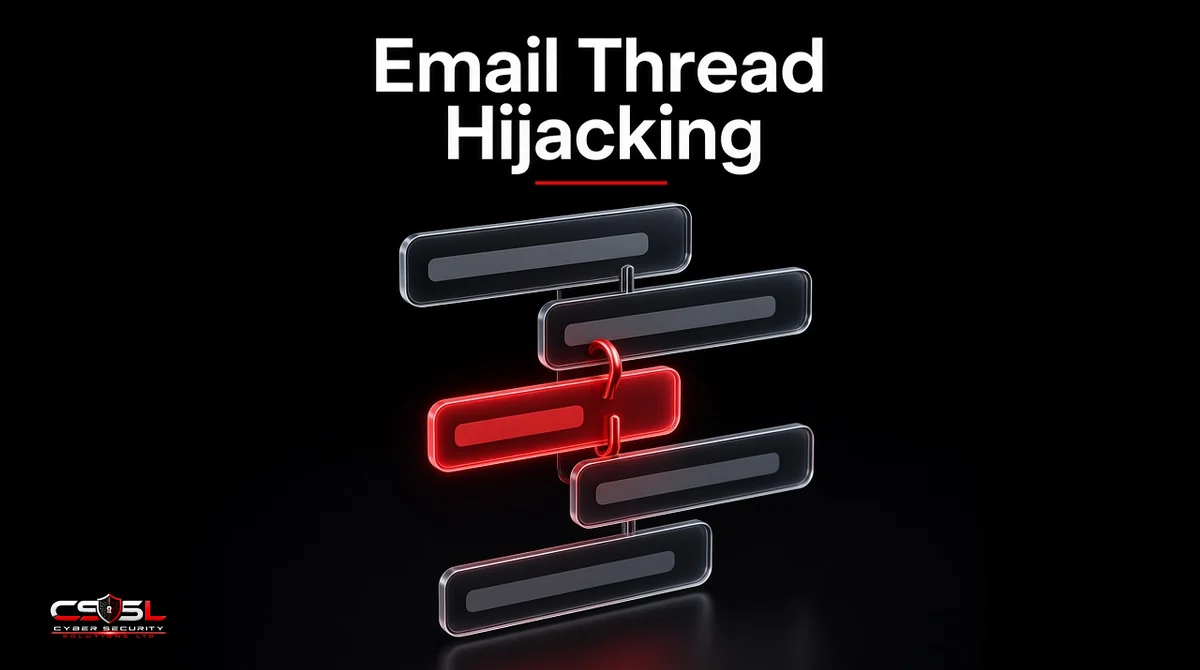
Email thread hijacking is an attack in which a criminal inserts a malicious reply into a real email conversation, so the message arrives with genuine history, names and context. Because it sits inside a thread the victim already trusts, people open the attachment, click the link or change bank details without a second thought.
The technique is used for both malware delivery and payment fraud, and it is one of the main ways vendor email compromise works.
How Email Thread Hijacking Works
The attacker first needs a copy of real conversations. They usually get it by stealing a mailbox password through phishing, by infecting a computer with malware that harvests email, or by buying stolen mail data. They then pick a thread that suits their goal, such as an invoice discussion or a project with shared files, and reply in the same style.
The reply typically carries one of three payloads: a malicious attachment, a link to a fake login or download page, or a request to pay into a new account.
Two Variants: Inside Your Mailbox vs Replayed From a Lookalike Domain
This distinction shapes how you detect and respond.
Mailbox takeover. The attacker controls a real account and replies from it. The sender address is exactly right, the thread is live, and the message is sent from the legitimate mail system. Attackers often add inbox rules that hide replies from the real owner.
Lookalike or replay. The attacker has a copy of the thread, often stolen from someone else’s mailbox, and continues it from a new address or a domain that differs by one character. The history looks real, but the sender is not.
Picture an illustrative case. A UK accountancy firm’s client receives a reply in a months-old thread about year-end accounts, asking them to open an updated document. In one version, the reply comes from the partner’s real address because her password was phished; in the other, it comes from a domain with “rn” in place of “m”. The first is a mailbox takeover and needs the firm to secure the account and check for forwarding rules. The second is a replay and needs a domain takedown and warning to the client. Use this decision rule: check the exact sender address and reply-to first. If both are genuine, assume mailbox takeover and treat it as an account incident; if either differs, treat it as impersonation.
Why SPF, DKIM and DMARC Can Still Pass
Many teams assume email authentication will catch hijacked replies. It often cannot. SPF, DKIM and DMARC check whether a message was sent by a server allowed to send for that domain. In a mailbox takeover, the attacker sends through the real provider, so every check passes honestly.
In the lookalike variant, the attacker owns the fake domain and can publish valid SPF, DKIM and DMARC records for it, so those checks also pass. Authentication proves where a message came from, not whether the person behind it is who you think. It remains essential, because it stops simple spoofing of your exact domain, but it is not a thread hijacking defense on its own.
Why Email Thread Hijacking Is So Dangerous
It defeats the advice most training gives. Staff are told to distrust unexpected emails from strangers, yet a hijacked reply is expected, comes from a known contact and references real work. Malware families such as Emotet and Qakbot, which law enforcement agencies disrupted in operations in 2021 and 2023, became known for using stolen threads to spread.
Defenders should also remember that a single compromised mailbox can feed many later attacks. Stolen threads are shared and reused, so a breach at one partner can surface as hijacked replies to your staff months afterward, long after the original incident was closed.
Email Thread Hijacking vs Other Phishing Attacks
Ordinary phishing starts a new conversation. Spear phishing tailors a new message to one target. Thread hijacking reuses an existing conversation, which gives it context that other phishing cannot easily fake.
Warning Signs of a Hijacked Email Thread
- A reply that changes tone, language or signature from earlier messages
- A sudden attachment or link the conversation did not call for
- A request to enable macros, enter a password or open a zipped file
- A changed sender domain or reply-to address
- A reply to an old thread that had gone quiet for weeks
- Any request to change payment details
A Spotting Checklist for Staff
Give employees a short routine to run before acting on any reply that asks them to do something. First, expand the sender name and read the full address, character by character. Second, hover over links without clicking and check where they really lead. Third, ask whether the request fits the conversation: did anyone mention a new document, portal or bank account earlier in the thread? Fourth, look for small changes in greeting, sign-off or language. Fifth, if anything feels off, contact the sender through a separate channel, such as a phone number you already hold or a chat app, rather than replying to the email. Finally, report the message to IT even if it turns out to be harmless, because one report can reveal a compromised account that is targeting many people at once. Keeping this list on one page near finance desks helps it become habit.
How to Detect Email Thread Hijacking
For security teams, the useful signals sit in the mailbox and the sign-in logs: new forwarding or inbox rules, sign-ins from unusual locations, many sent messages in a short time, and external replies to old threads. Email security tools that compare writing style and sender history can flag replies that do not match the thread.
How to Prevent Email Thread Hijacking
- Turn on MFA for every mailbox, preferably phishing-resistant methods for admins and finance
- Alert on new forwarding rules and block automatic forwarding to external addresses
- Keep devices patched and protected so malware cannot harvest mail
- Monitor for lookalike domains of your own and key suppliers
- Verify payment changes and unusual requests by phone on a known number
- Teach staff that a familiar thread is not proof of identity
What to Do If an Email Thread Has Been Hijacked
- Reset the account password, revoke active sessions and confirm MFA.
- Remove suspicious forwarding and inbox rules.
- Find who received malicious replies and warn them by phone.
- If money moved, call your bank at once. In the US, report to the FBI’s IC3; in the UK, to Report Fraud.
- Forward suspicious messages to report@phishing.gov.uk in the UK, or follow CISA’s phishing reporting guidance in the US.
FAQs
It is one technique used in business email compromise. BEC is the fraud; thread hijacking is a way of delivering it.
Sometimes, when they look for unusual behavior or malicious attachments. Authentication checks alone usually cannot.
Through stolen passwords, malware on a device, or copies taken from a contact whose mailbox was breached.
That account was probably compromised. Report it so the account can be secured.
It blocks most password-based mailbox takeovers, but not lookalike replays or malware on an unlocked device.
Disconnect the device from the network and contact your IT or security team immediately.
Stopping Hijacked Replies
Email thread hijacking works because people trust conversations they recognize. If you want help hardening mailboxes and payment checks, Cyber Security Solutions Ltd offers a free, no-obligation assessment through our contact page.